Laptop Stands Compared: Better Screen Placement Without a Crowded Desk
Compare fixed risers, adjustable laptop stands, portable supports, and vertical holders, including stability, ventilation, and external keyboard needs.
This guide draws on published documentation and practical use cases, not hands-on testing. It contains no paid product placements or affiliate shopping links. How we work · Affiliate Disclosure
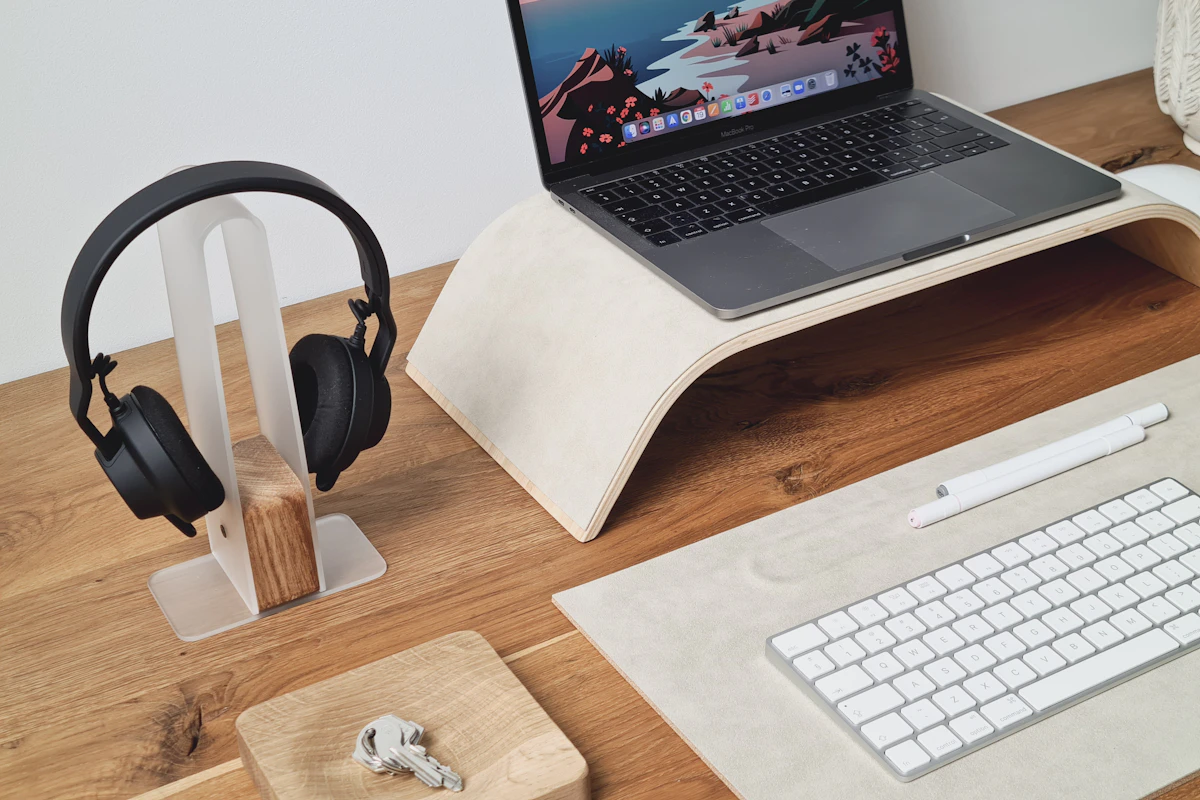
A laptop stand is most useful when it lets you position the screen separately from an external keyboard and mouse; height alone is not the goal.
In this guide
At the kitchen table, a laptop puts the screen and keyboard in one convenient package. During a short task, that simplicity is welcome. During a long work session, raising the screen also raises the keys, and lowering the keys lowers the screen. A stand is useful when it helps separate those competing needs.
Our assessment favors a stable fixed riser for a consistent desk and an adjustable stand when several people or seating positions share the space. A folding travel support is a different compromise: easy to carry, but often less suited to typing directly on the laptop. Plan for an external keyboard and pointing device before buying a tall stand.
Understand the four common formats
| Stand type | Good reason to consider it | Main compromise |
|---|---|---|
| Fixed riser | Predictable height and a permanent desk | Limited adjustment if the desk or user changes |
| Adjustable articulated stand | Flexible screen height and position | More joints that can flex or need tightening |
| Folding travel stand | A compact kit for temporary workspaces | Stability and available height vary |
| Vertical closed-laptop holder | Saving space beside an external monitor | Does not position the laptop’s own screen for use |
A vertical holder belongs in a different category from an open-laptop riser. Before using one, confirm the computer supports your intended closed-display operation, power arrangement, and external peripherals.
Measure the complete working arrangement
Begin with the desk depth, chair position, and viewing distance. A stand that moves the screen upward but also far backward can be awkward on a shallow surface. An articulated arm may extend forward, reducing room for the keyboard or placing weight near the edge.
OSHA’s workstation guidance considers the monitor, keyboard, and pointing device together. The screen should be positioned for comfortable viewing without routinely tilting the head, while input devices remain accessible. Exact placement depends on the user, display size, and vision needs; a universal maximum-height setting makes little sense.
Before ordering, approximate the intended position with careful measurements. Note the screen’s final height, the space below it, and the room needed for cables. Do not plan around the stand’s dimensions alone; the open laptop extends above and beyond its support.
Stability matters more than impressive adjustment
Check the supported laptop dimensions and weight, the base footprint, and how the front retaining edge holds the computer. A narrow platform might support the weight but leave a large laptop feeling awkward when opening the lid.
If you expect to type on the built-in keyboard, consider how an angled stand changes wrist position and how much the structure may move. Tall stands are usually more practical with separate input devices. Do not infer wobble resistance from a product photograph or a metal finish; design, joints, and the laptop’s placement all matter.
Non-slip contact points help keep the computer and base in place, but their condition should be checked over time. A stand should sit on a stable surface. A soft bed or sofa creates a different support and ventilation problem that a small desk riser may not solve.
Leave ventilation and connections accessible
Look at the laptop’s ventilation openings and the stand’s contact areas. An open-looking design is not automatically suitable for every computer, particularly if a support covers a vent or presses against an uneven underside.
A stand is also not a verified cooling upgrade by itself. Temperature and performance depend on the laptop, workload, surroundings, and airflow. Treat cooling claims as something requiring evidence rather than assuming a higher position increases speed.
Cable routing becomes more noticeable once the laptop is elevated. A short hub cable may hang from the port, while a stiff charging cable can pull sideways. Leave enough slack without creating a loop that catches your hand. Our USB-C hub guide covers connection planning, and our cable comparison explains why the replacement cable’s capabilities matter.
Assess the travel kit honestly
A light folding stand can be appealing, but add the external keyboard, mouse, and any necessary adapters before judging total bulk. For someone working at a borrowed desk all day, that kit may be worthwhile. For a few emails in a cafe, setting up several accessories may be more effort than the task needs.
Check how the folded stand packs, whether loose parts can be lost, and whether edges could press against the laptop in a bag. Easy setup matters when the workspace changes frequently.
Who should skip a stand?
If you mainly use a separate monitor and the laptop’s own screen stays closed, consider whether a safe, ventilated existing position already works. If you type on the laptop for only short periods, start by adjusting the table and seating arrangement.
Skip a tall riser if you plan to keep reaching up to its built-in keyboard for sustained work. Review keyboard options first so the whole setup remains practical.
Frequently asked questions
Does more height mean better ergonomics?
No. Comfortable viewing and accessible input devices matter. Excessive height can create a different awkward position.
Will a stand make the laptop run faster?
There is no general guarantee. A stand’s main purpose here is positioning; cooling and performance require device-specific evidence.
Is an adjustable stand always preferable?
Only if you need the adjustment. A suitable fixed-height support can be simpler for a consistent desk.
Sources and scope
Reference checked October 21, 2026: OSHA’s workstation purchasing guide and desk arrangement guidance. These are layout considerations, not clinical advice or measured stand stability results.
Keep exploring
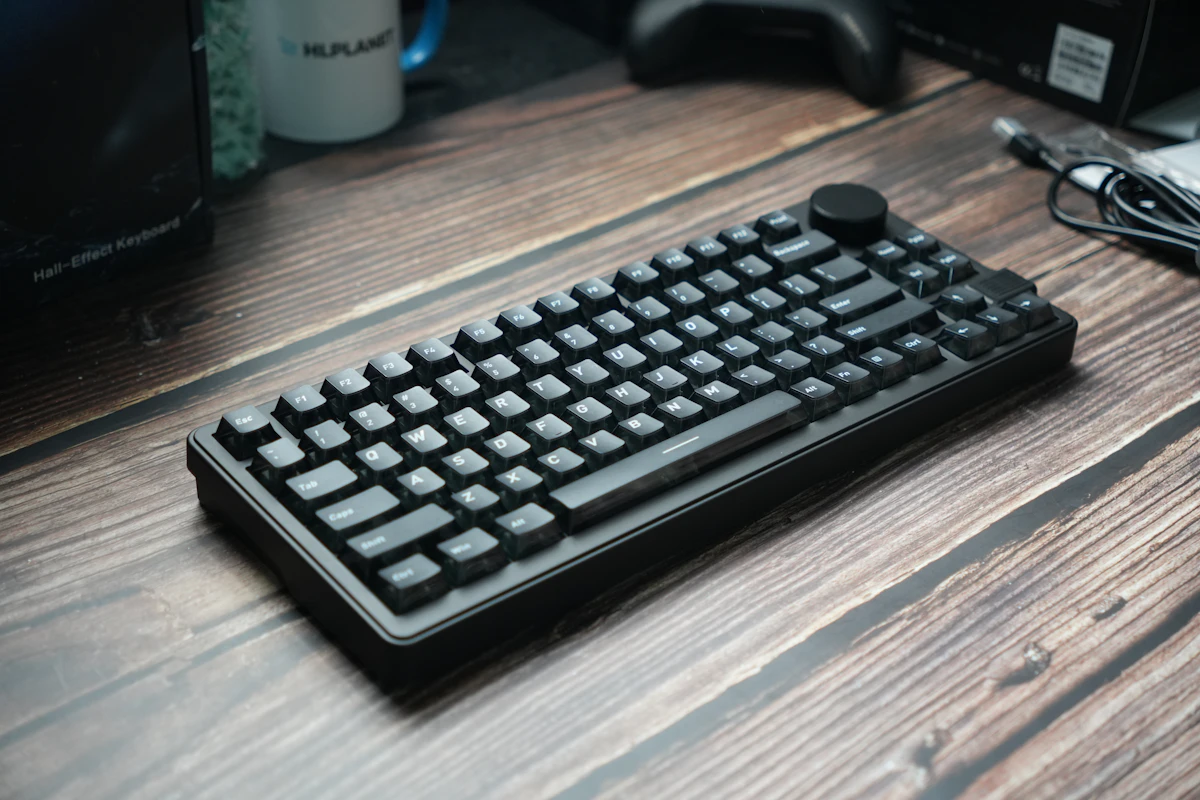
Compact vs. Full-Size Keyboards: Count Your Shortcuts Before the Keys
Compare compact and full-size keyboard layouts for number entry, navigation, mouse space, travel, shared desks, and the hidden cost of function layers.
Read the guide
Ergonomic Mice Compared: Vertical, Conventional, or Trackball?
Compare mouse shapes by hand fit, pointer work, desk space, and learning curve, with practical checks that matter more than an ergonomic label.
Read the guide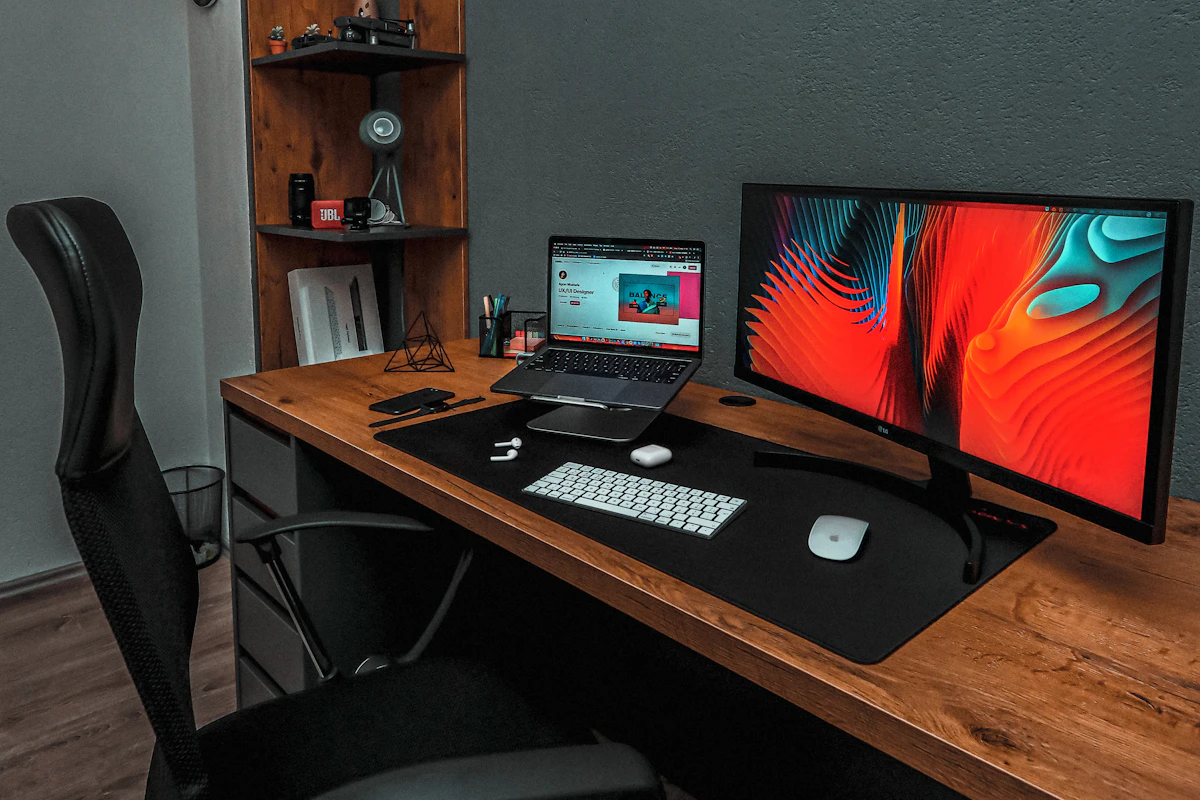
Laptop Docking Stations: When a Permanent Connection Hub Makes Sense
Assess laptop docks for multiple displays, host compatibility, power delivery, shared peripherals, software requirements, and a reliable daily desk connection.
Read the guide