Mechanical vs. Scissor Keyboards: Choose the Feel That Fits Your Work
Compare mechanical and scissor keyboards for shared offices, laptop-style typing, customization, layout, noise, and everyday desk comfort.
This guide draws on published documentation and practical use cases, not hands-on testing. It contains no paid product placements or affiliate shopping links. How we work · Affiliate Disclosure

Choose layout, height, and acceptable noise first; switch technology is a preference, not a guarantee of faster or more comfortable typing.
In this guide
A keyboard that sounds satisfying in a short video can become the loudest object in a shared room. A slim keyboard that looks ideal in a bag can feel cramped during a spreadsheet session. The mechanical-versus-scissor debate becomes more useful when you stop asking which is universally better and consider the work it needs to support.
Our assessment favors scissor keyboards for people who like a familiar, shallow laptop-style action and easy portability. Mechanical keyboards suit people who want more choice in key feel and, on supported designs, customization. Neither mechanism alone determines typing accuracy, comfort, or quality.
What the mechanisms change
Scissor mechanisms stabilize a relatively shallow key action, commonly found in laptops and slim external keyboards. Mechanical designs use individual switches, with substantial variation in travel, force, and feedback. Low-profile mechanical keyboards complicate the visual distinction: mechanical does not necessarily mean tall.
Mechanical switches are often described as linear, tactile, or clicky. Linear switches have a comparatively smooth action without a deliberate tactile bump. Tactile switches add a noticeable change in resistance. Clicky switches add an audible click as part of their design. The entire keyboard, keycaps, desk, and typing technique still influence the sound.
A tactile switch is not automatically noisy, and a linear switch is not automatically silent. Manufacturer switch descriptions help narrow a preference, but they cannot tell you exactly how a complete keyboard will sound in your room.
Compare the working situations
| Situation | Likely starting point | Important caveat |
|---|---|---|
| Moving between laptop and external keyboard | Scissor or low-profile layout | Key spacing and shortcuts still vary |
| Shared office or frequent calls | A quiet design with a familiar layout | Verify the whole keyboard’s sound, not just switch type |
| Exploring key feel and customization | Compatible mechanical keyboard | Replaceable keycaps do not imply replaceable switches |
| Frequent travel | Slim, light keyboard | Compact layouts can hide useful keys behind shortcuts |
| Heavy spreadsheet work | Layout with convenient number entry | A wide keyboard can push the mouse farther away |
These are starting points, not performance scores. A familiar layout may be more valuable on a deadline than an interesting switch mechanism.
Choose the layout before the switches
List the keys you use without looking: arrows, Home and End, function keys, media controls, and the number pad. Compact keyboards often preserve access through layers, but a shortcut is not always a satisfactory replacement for a dedicated key.
Check the operating-system layout too. Key legends and modifier placement can differ, and switching profiles may depend on software or a hardware control. If you use a managed work computer, confirm that essential functions work without installing a configuration application.
A narrower board can make room for the mouse near your body. A separate number pad gives flexibility, but it adds another object to connect or charge. Our ergonomic mouse comparison explains why pointer placement belongs in the keyboard decision.
Height and angle deserve attention
A tall front edge can change how your wrists meet the desk. A slim design may reduce that height, but it does not guarantee a comfortable position if the entire desk is too high. Raising the rear feet makes the keys slope toward you; that may improve visibility while being unsuitable for your preferred wrist position.
OSHA recommends arranging the keyboard so the shoulders are relaxed, elbows remain near the body, and wrists align with the forearms. Evaluate keyboard height with the chair and desk, rather than assuming a wrist rest compensates for every difference.
If your laptop is on a stand, an external keyboard lets screen height and typing position be adjusted separately. That practical benefit may matter more than the mechanism underneath its keys.
Maintenance and customization are model-specific
Some mechanical keyboards support hot-swappable switches, but many do not. Check the supported switch format and replacement procedure. Keycap compatibility also varies by stem, layout, and key dimensions; a set marketed for mechanical keyboards is not universally compatible.
Scissor mechanisms can be delicate to disassemble. Follow the manufacturer’s cleaning and replacement instructions rather than pulling off a cap based on a video of a different keyboard. Repairability is worth considering, but do not infer it simply from a premium price or removable-looking keys.
Wireless convenience also introduces battery and connection choices. Check whether the charging cable supports actual wired operation, whether device switching is straightforward, and whether backlighting materially changes the stated battery-life conditions.
Who should skip the switch upgrade?
Keep your current keyboard if it is comfortable, reliable, and suits your room. Mechanical switches are not a necessary professional upgrade. Likewise, do not abandon a mechanical keyboard you enjoy solely because a slimmer board looks tidier.
If typing noise is the problem, investigate the full keyboard’s sound and placement. A category label cannot resolve that concern on its own.
Frequently asked questions
Will mechanical switches make me type faster?
There is no universal guarantee. Familiarity, layout, technique, and the particular key action matter more than the label alone.
Are all scissor keyboards quiet?
No. They often suit quiet environments, but sound varies with construction and typing style.
Can every mechanical keyboard be customized?
No. Verify keycap and switch compatibility, and whether switch removal is supported without soldering.
Sources and scope
Checked October 21, 2026: CHERRY’s overview of mechanical keyboard mechanisms and OSHA’s keyboard placement guidance. No typing-speed or sound measurements are claimed.
Keep exploring
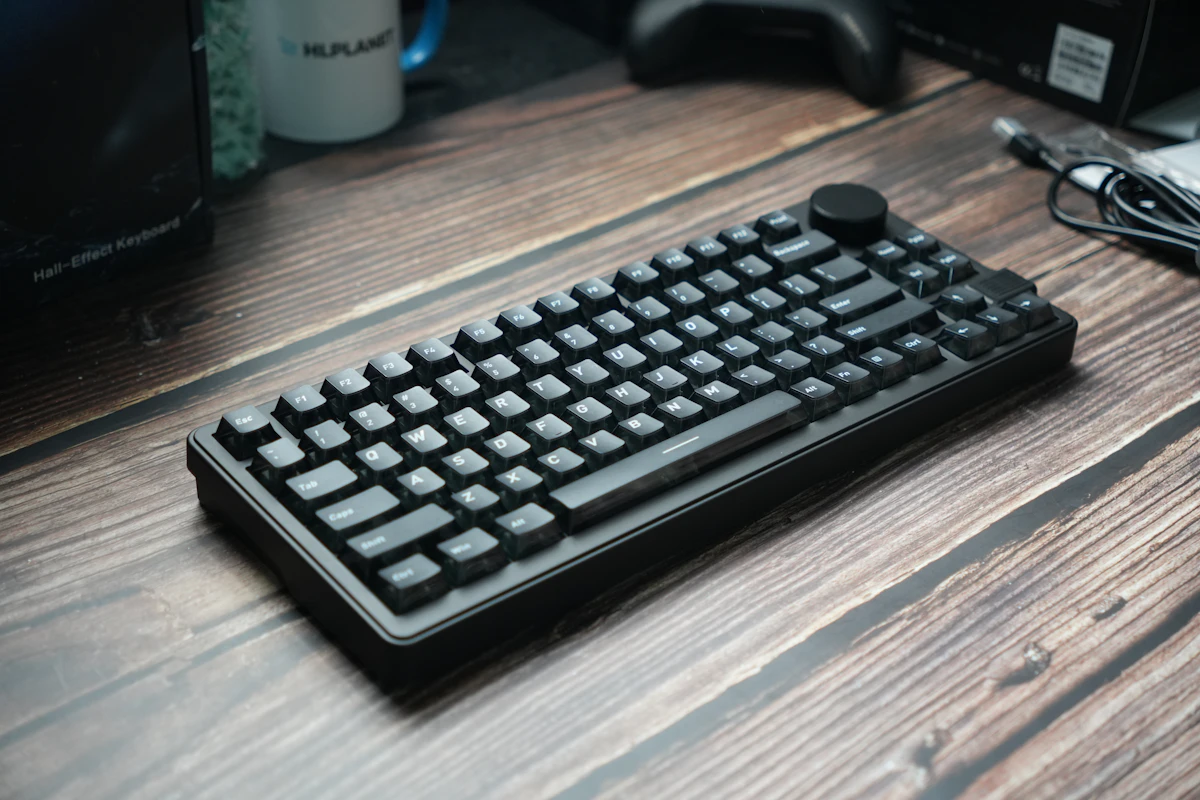
Compact vs. Full-Size Keyboards: Count Your Shortcuts Before the Keys
Compare compact and full-size keyboard layouts for number entry, navigation, mouse space, travel, shared desks, and the hidden cost of function layers.
Read the guide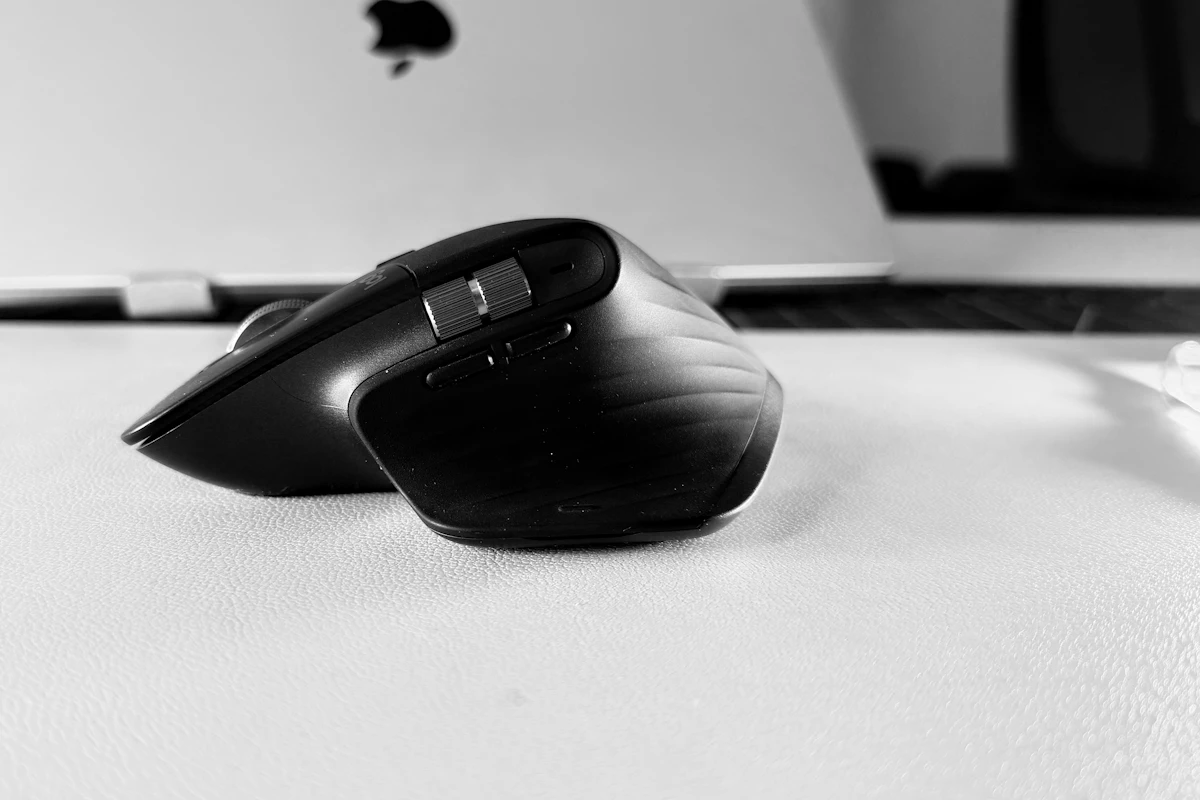
Ergonomic Mice Compared: Vertical, Conventional, or Trackball?
Compare mouse shapes by hand fit, pointer work, desk space, and learning curve, with practical checks that matter more than an ergonomic label.
Read the guide
Laptop Docking Stations: When a Permanent Connection Hub Makes Sense
Assess laptop docks for multiple displays, host compatibility, power delivery, shared peripherals, software requirements, and a reliable daily desk connection.
Read the guide