Ergonomic Mice Compared: Vertical, Conventional, or Trackball?
Compare mouse shapes by hand fit, pointer work, desk space, and learning curve, with practical checks that matter more than an ergonomic label.
This guide draws on published documentation and practical use cases, not hands-on testing. It contains no paid product placements or affiliate shopping links. How we work · Affiliate Disclosure
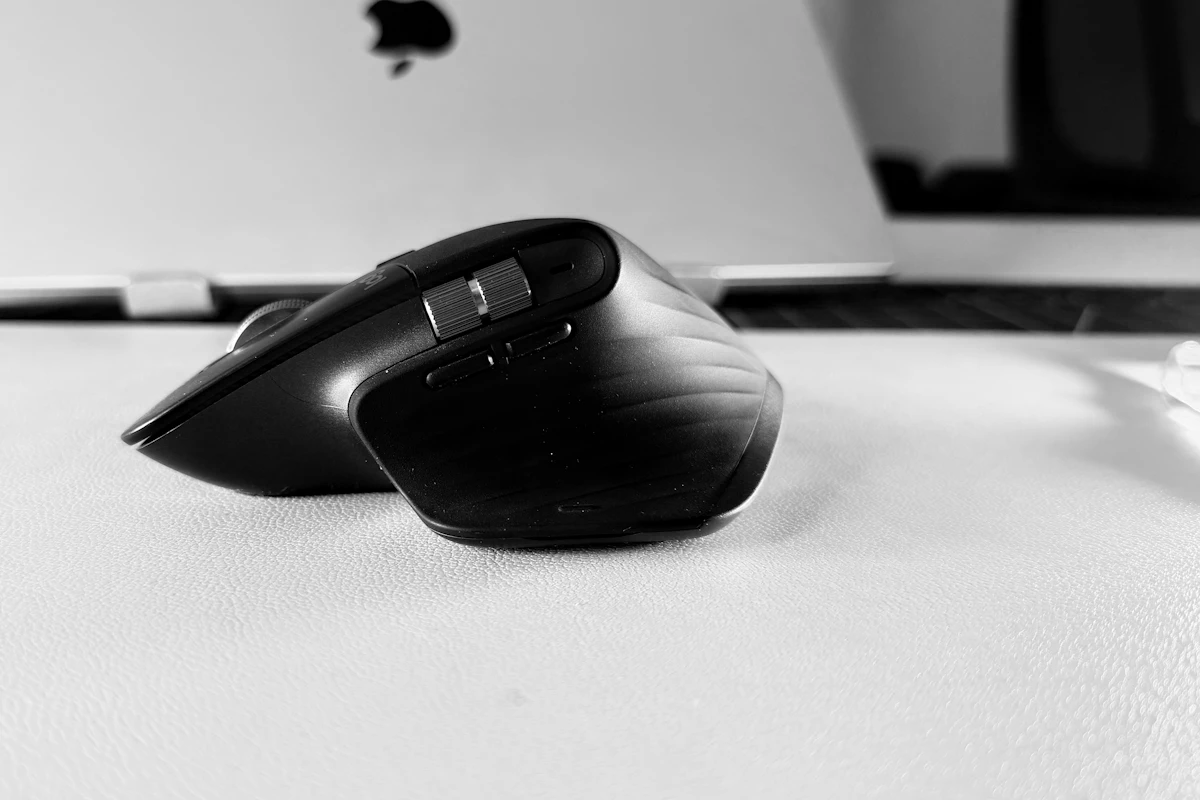
Choose a pointing device that fits your hand and task, then place it close enough to use comfortably; no shape is a universal solution.
In this guide
The mouse sits to the right of a wide keyboard, beyond a notebook and a mug. You reach for it hundreds of times while answering messages and adjusting spreadsheets. Replacing it with a sculpted model may help the fit in your hand, but it will not remove the reach across the desk.
A useful ergonomic comparison therefore starts with the whole setup. We favor a well-fitting conventional mouse when familiarity matters, a vertical design when an upright grip feels preferable, and a trackball when moving the device is inconvenient. These are options to evaluate, not a medical ranking or a promise of pain relief.
Fit comes before the category label
Your fingers should reach the main buttons and scroll wheel without a strained grip. The body should support the way you actually hold it, rather than forcing your hand to match a promotional photograph. Hand length is useful, but finger proportions and grip preference also matter.
A large sculpted mouse can feel supportive to one person and make another stretch for the wheel. A very small travel mouse may pack easily but require an awkward grip during long work sessions. Left-handed users should check the actual shape and button access; software button swapping does not make an asymmetric body ambidextrous.
OSHA’s workstation guidance emphasizes pointer placement, size, shape, and settings, including keeping the mouse close to the keyboard. That is a more useful starting point than assuming one angle or contour is correct for everyone.
Three designs, three different compromises
| Design | Why it may suit your routine | What you give up |
|---|---|---|
| Conventional mouse | Familiar movement and broad choice of sizes | Grip and wrist position still need attention |
| Vertical mouse | A more upright hand orientation | Different clicking feel and an adjustment period |
| Trackball | Pointer movement without sliding the whole device | Repeated thumb or finger movement and a new control method |
A trackball does not eliminate movement; it changes where that movement occurs. A vertical mouse does not eliminate reaching; its position still matters. Each design needs a fair evaluation in the tasks you perform most.
Think about the work, not just comfort at rest
A mouse can feel pleasant when your hand is resting on it yet be awkward for dragging a spreadsheet selection or making small image edits. Evaluate scrolling, dragging, double-clicking, and reaching secondary buttons. If your work includes precision tasks, notice whether the pointer settings let you move accurately without excessive effort.
Extremely high sensitivity is not automatically helpful. It can reduce movement distance while making fine adjustments harder for some users. Start with a controllable setting and adjust gradually. Similarly, extra buttons are useful only if you can reach them without changing your grip or frequently pressing them by accident.
For an unfamiliar shape, allow time to learn ordinary tasks before judging speed. But persistent discomfort is not a requirement you should push through to justify a purchase. A return policy can be more valuable here than another headline feature.
Fix the placement before replacing the mouse
Move the mouse near the keyboard and clear enough space to use it. A compact keyboard without a number pad can reduce the distance to a right-side mouse, although frequent number entry may justify keeping a full-size layout.
The chair, desk height, and arm support also influence the position of your hand. Keep frequently used controls easy to reach and avoid pressing your forearm against a hard desk edge. Our keyboard comparison considers layout and height alongside switch feel.
Do not assume a wrist rest corrects an unsuitable arrangement. The goal is a comfortable, neutral working position, with room to change position and take breaks from repetitive input.
Connection and maintenance matter
Bluetooth can preserve a USB port, while a dedicated receiver may suit a particular work setup. Check operating-system support, company software restrictions, and whether custom button assignments require an application. A simple device that works without extra software may be preferable on a locked-down laptop.
Consider battery replacement or charging access, especially if the mouse is used every day. Trackballs also require cleaning around the ball and supporting mechanism according to their instructions. Soft coatings and textured grips have their own care requirements; no material remains comfortable if it is neglected.
Who should skip an ergonomic replacement?
Keep a mouse that fits well and works comfortably. The label alone is not a reason to replace it. If the main problem is limited desk space, reorganizing the layout may have a greater effect than changing the device.
Skip a radically different design when you cannot evaluate it properly and urgently need familiar control for a deadline. If you are raising a laptop screen, plan the whole arrangement using our laptop stand guide rather than treating peripherals as isolated purchases.
Frequently asked questions
Is a vertical mouse always better?
No. Hand fit, task, settings, and placement determine whether it suits you. Different people can prefer different shapes.
Does a trackball need less desk space?
It does not need a sliding area, but you still need enough space to place it comfortably and reach its controls.
Should I choose by hand size alone?
Use size as a starting point. Button reach, grip style, handedness, and real task comfort are equally useful checks.
Sources and scope
Reference checked October 21, 2026: OSHA’s pointer and mouse workstation guidance. Recommendations are ergonomic fit considerations, not clinical advice or results from comparative user testing.
Keep exploring
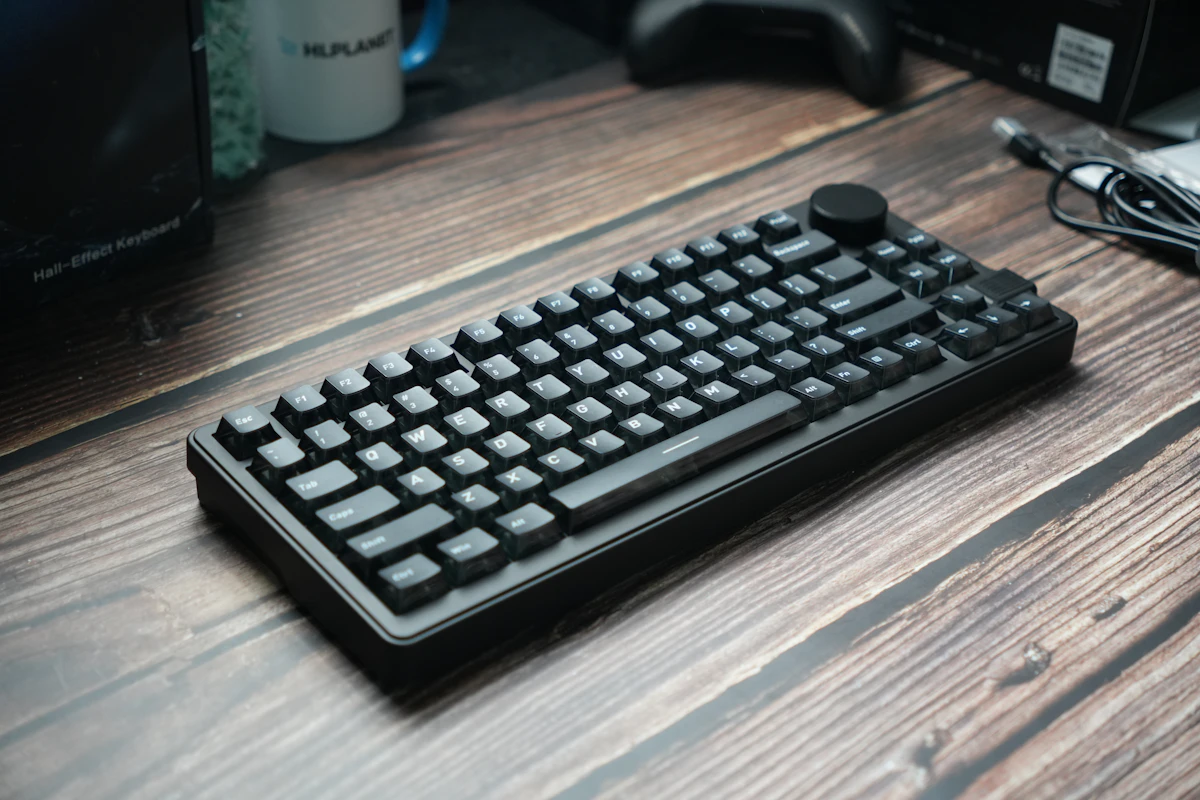
Compact vs. Full-Size Keyboards: Count Your Shortcuts Before the Keys
Compare compact and full-size keyboard layouts for number entry, navigation, mouse space, travel, shared desks, and the hidden cost of function layers.
Read the guide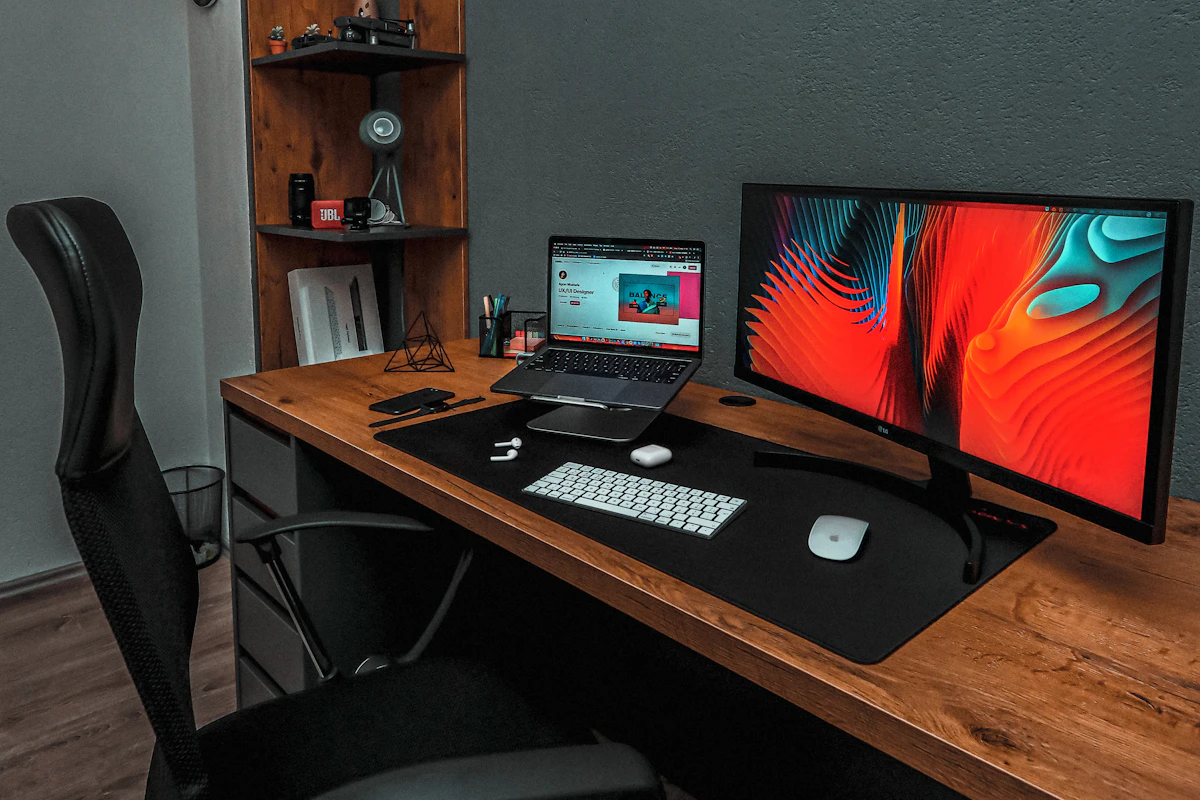
Laptop Docking Stations: When a Permanent Connection Hub Makes Sense
Assess laptop docks for multiple displays, host compatibility, power delivery, shared peripherals, software requirements, and a reliable daily desk connection.
Read the guide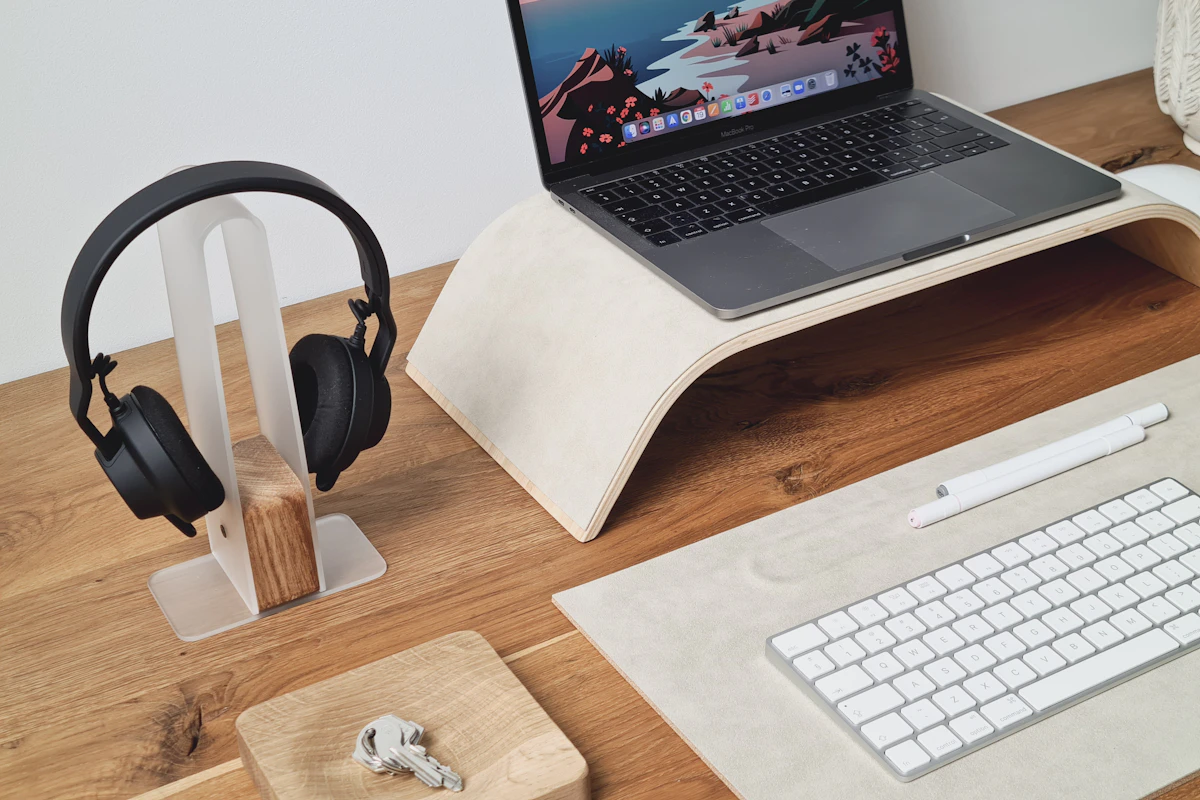
Laptop Stands Compared: Better Screen Placement Without a Crowded Desk
Compare fixed risers, adjustable laptop stands, portable supports, and vertical holders, including stability, ventilation, and external keyboard needs.
Read the guide