Car USB Chargers: Build a Charging Setup That Fits the Journey
Compare built-in vehicle ports, socket chargers, and passenger charging layouts by power, infotainment compatibility, cable routing, and everyday convenience.
This guide draws on published documentation and practical use cases, not hands-on testing. It contains no paid product placements or affiliate shopping links. How we work · Affiliate Disclosure
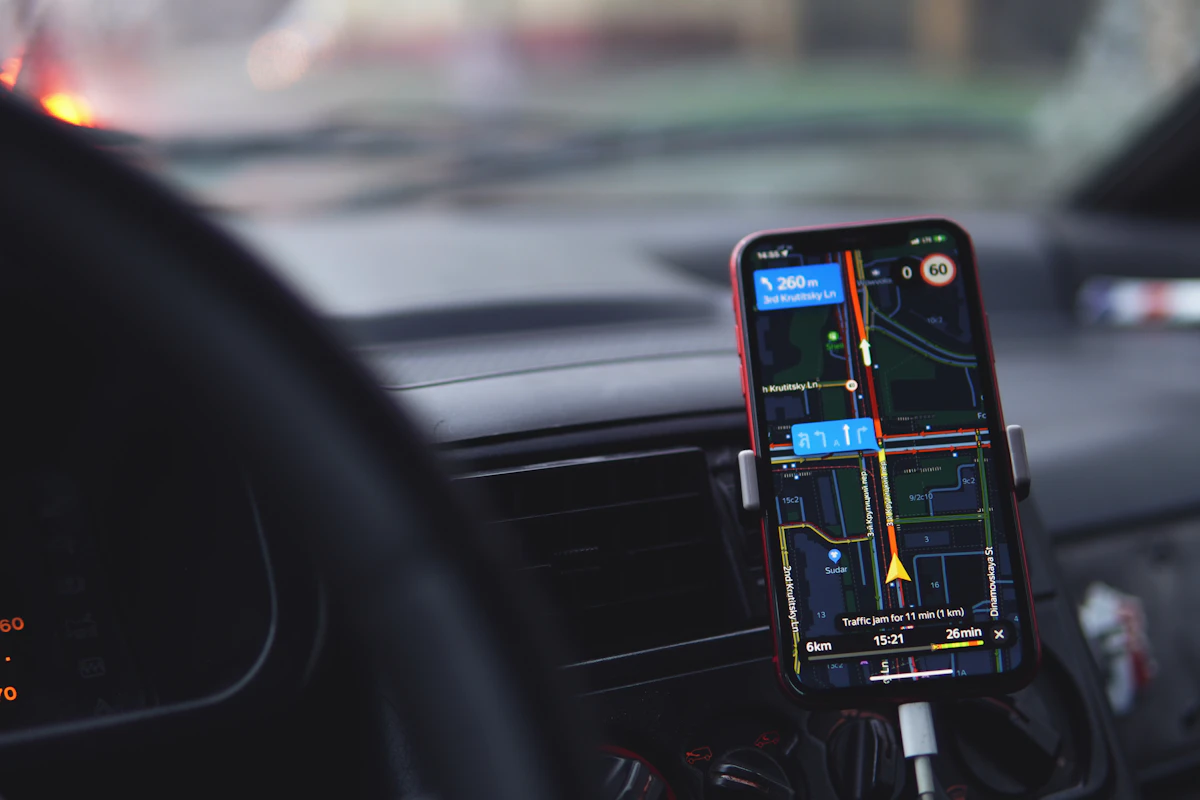
Separate charging from the car's data connection, check the vehicle socket and each device's requirements, then plan cables around the people using them.
In this guide
Two people get into the car with low phone batteries. The driver needs navigation on the dashboard; the passenger wants to charge a phone without balancing it beside the gear selector. There is one built-in USB port and a power socket buried inside the center console. A charger with more sockets sounds helpful, but the cable layout and the vehicle’s data connection matter just as much.
For a regular commute, our starting preference is the existing vehicle connection if it charges adequately and supports the required infotainment features. A separate socket charger becomes useful when more power or passenger access is needed. The goal is a setup that works before the journey begins and stays out of the way.
Charging and infotainment are separate jobs
A car’s USB socket may provide power, data, or both, depending on the vehicle and port. Wired phone projection typically needs the appropriate data connection to the vehicle, not simply any source of electricity. Apple’s CarPlay instructions, for example, direct users to the car or stereo’s compatible USB port.
A charger plugged into an accessory power socket supplies charging power; it does not normally replace that wired infotainment connection. If your phone must remain connected to the car by cable, verify the existing port’s capabilities before assuming a separate charger can solve everything.
Wireless infotainment changes the arrangement, but compatibility still belongs to the phone and vehicle. Do not confuse wireless charging with wireless CarPlay or Android Auto. One transfers power; the other connects phone functions to the car.
Match the layout to the journey
| Journey pattern | Useful arrangement | Main compromise |
|---|---|---|
| Solo commute with wired infotainment | Vehicle’s supported data-and-power port | Charging output may be modest |
| Driver and front passenger | Two suitable charging ports with separate cables | Shared output and console space need checking |
| Family trip with rear passengers | Accessible rear ports or a documented extension arrangement | More cables to route and store |
| Charging a laptop while parked | Compatible high-output socket charger within vehicle limits | Not every socket or charger supports the required input and output |
A laptop-oriented charger is unnecessary for two phones unless its size and power allocation offer a real advantage. Conversely, the presence of a USB-C socket does not prove that it can supply a laptop’s required charging profile.
Four checks before choosing a charger
- Read the vehicle manual. Confirm which socket you intend to use, its rated limits, and whether it stays powered when the vehicle is off. Do not assume every socket behaves like the one in your previous car.
- Check charger input compatibility. Manufacturers specify supported DC input ranges. Some products accept a broader vehicle-voltage range than others; matching the connector shape is insufficient.
- Check each output configuration. Read what each port provides alone and when multiple devices are attached. The total printed on the enclosure may not be available from one port.
- Check device protocols and cables. USB Power Delivery support, any additional required protocol, and an appropriate cable must line up with the device’s requirements.
Belkin’s official car-charger comparison illustrates why input ranges and individual port specifications need separate attention. USB-IF’s Power Delivery documentation explains negotiated power, but it does not establish that any particular car accessory implements every capability in the standard.
Console fit can outweigh a small size difference
Look inside the socket area. A charger that protrudes may prevent a compartment lid from closing or interfere with a nearby cup holder. A very low-profile body may be harder to remove. A wide head can leave two ports too close for bulky cable housings.
Check cable access with the phone in its intended holder or storage compartment. A short cable may pull against a mounted phone when the cable is tucked around trim. A long one may fall into the footwell or become caught around controls. Plan the route while parked, including where unused cable will rest.
For passengers, place the end where it is easy to find without reaching across the driver. Separate cables are often simpler than passing one connection back and forth. Our USB-C cable guide covers connector clearance and the difference between charging and data capability.
Set realistic expectations for a hot or busy phone
Navigation, calls, a bright display, and charging can occur simultaneously. The resulting battery change depends on both energy coming in and what the phone is using. A charger label cannot predict the exact percentage gained during a particular drive.
Follow the device’s operating-temperature guidance and avoid treating a sun-exposed dashboard as an ideal charging location. If charging slows, check the phone’s status, cable, and port allocation rather than assuming that a larger headline wattage is the answer.
A magnetic power bank can be useful after leaving the car, but it is a separate accessory with different handling and charging considerations. It does not need to become a permanent part of the vehicle setup.
Who should skip an additional charger?
Keep the built-in arrangement if it supports the phone features you use and the battery comfortably lasts through the journey. Another adapter adds little when no device needs its output.
Skip an elaborate multiport arrangement if only one person usually rides in the car. If the main problem is a damaged or inconvenient cable, solve that first. Our USB-C charger comparison helps distinguish useful output from unused capacity.
Frequently asked questions
Will a socket charger enable wired phone projection?
Usually not. Wired projection needs the vehicle’s supported data connection. Check the car and phone documentation.
Can I leave the charger plugged in?
Follow the vehicle and charger instructions. Whether the socket remains powered after shutdown varies, so do not assume it automatically turns off.
Why does adding a passenger’s phone change charging speed?
Some chargers divide output among occupied ports. Check the simultaneous-output table for the exact charger.
Sources and scope
Official references checked 2026-10-21: Apple’s vehicle connection guide, Belkin’s car-charger specification comparison, and USB-IF’s Power Delivery overview. Layout recommendations are editorial judgments, not measured charging, temperature, or road-test results.
Keep exploring
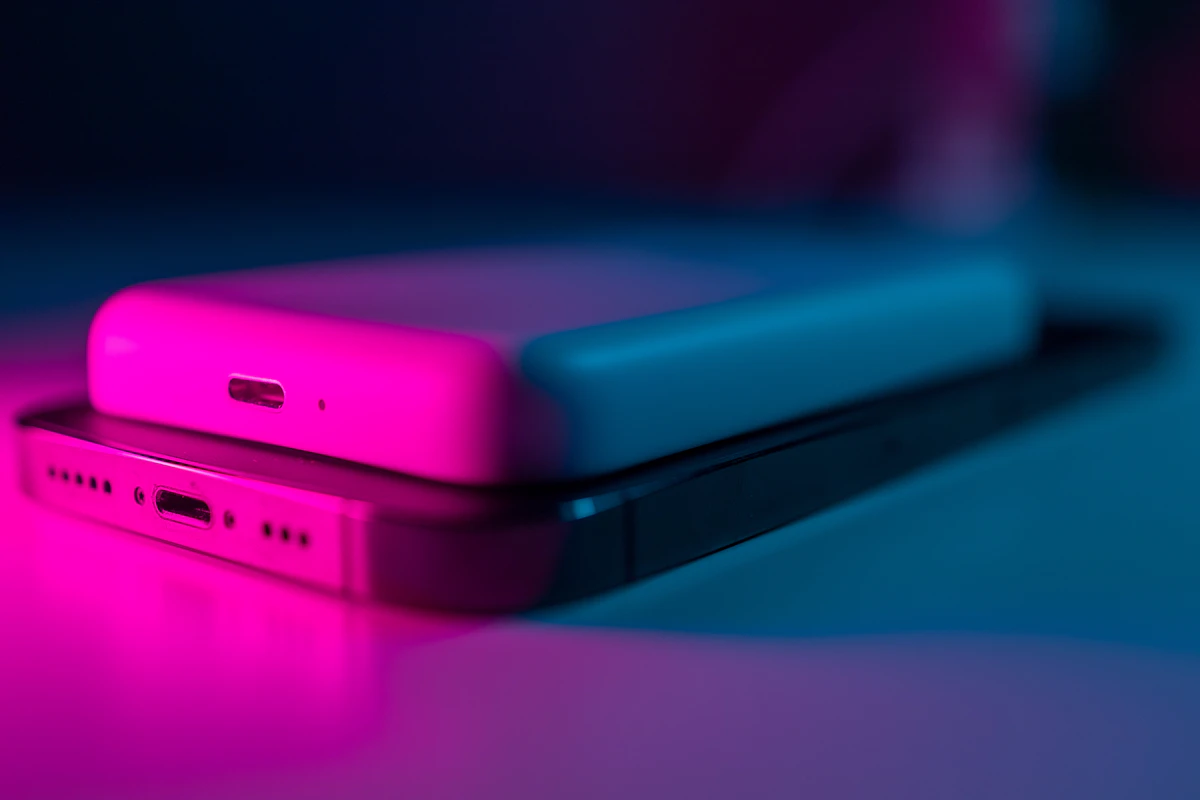
Magnetic Power Banks: When the Snap-On Convenience Is Worth It
Assess magnetic power banks by phone and case compatibility, physical fit, usable energy, wired options, and the realities of carrying a thicker phone.
Read the guide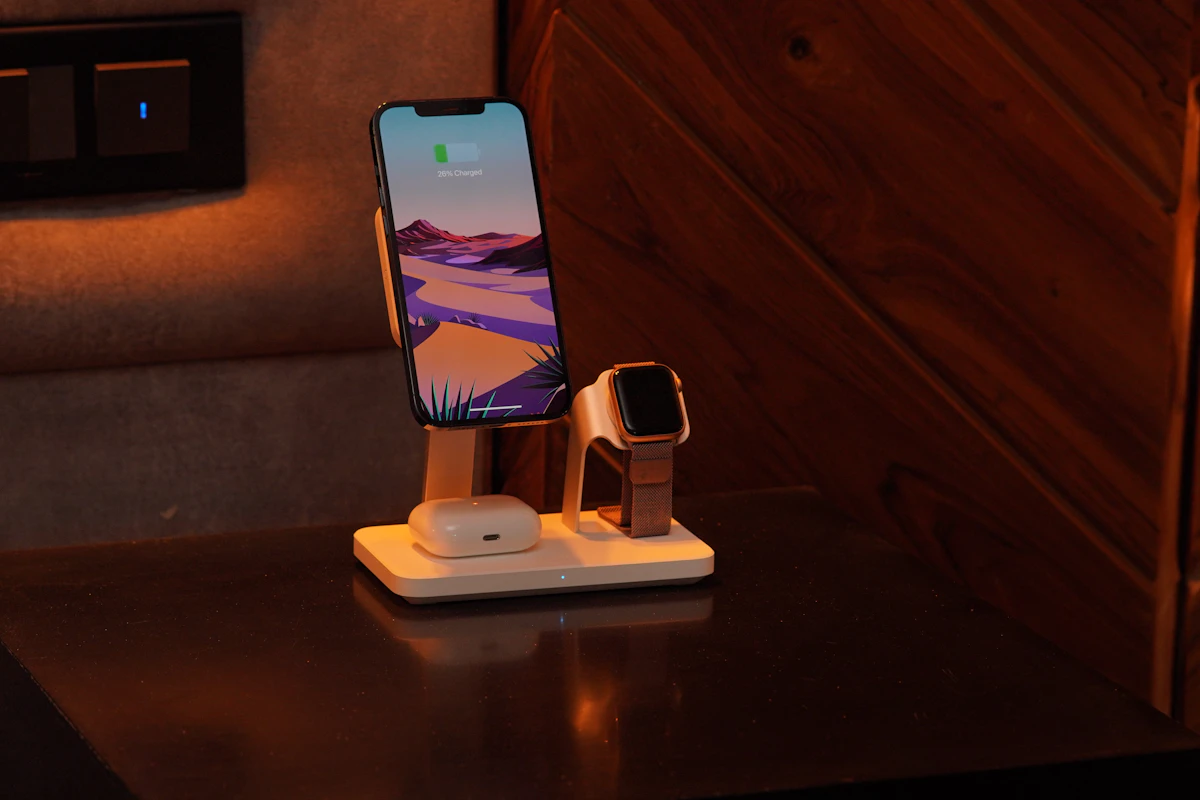
Multi-Device Charging Stations: One Stand or Separate Chargers?
Compare combined phone, watch, and earbud charging stations with separate chargers, including compatibility, daily schedules, portability, and replacement flexibility.
Read the guide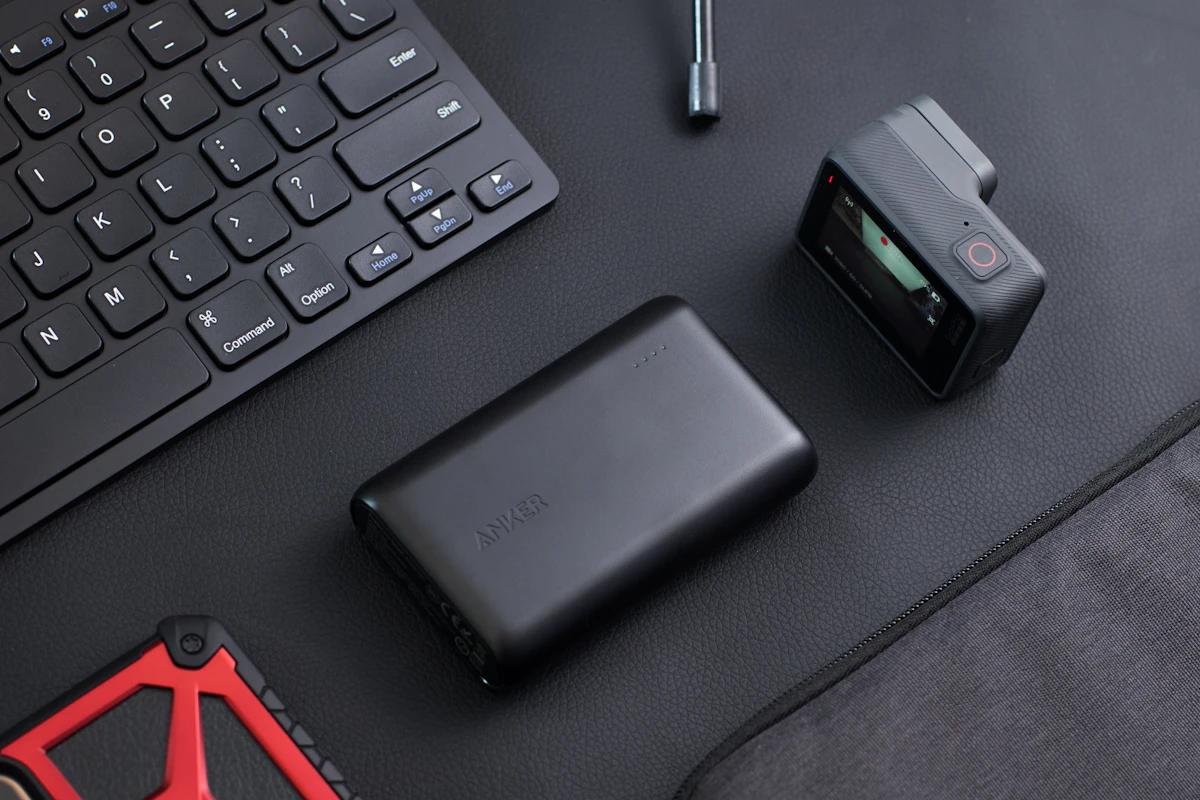
Power Banks Compared: Pocket Backup or Laptop Companion?
Compare portable battery sizes, usable energy, input and output power, and the practical tradeoffs of charging phones and laptops away from outlets.
Read the guide