Multi-Device Charging Stations: One Stand or Separate Chargers?
Compare combined phone, watch, and earbud charging stations with separate chargers, including compatibility, daily schedules, portability, and replacement flexibility.
This guide draws on published documentation and practical use cases, not hands-on testing. It contains no paid product placements or affiliate shopping links. How we work · Affiliate Disclosure
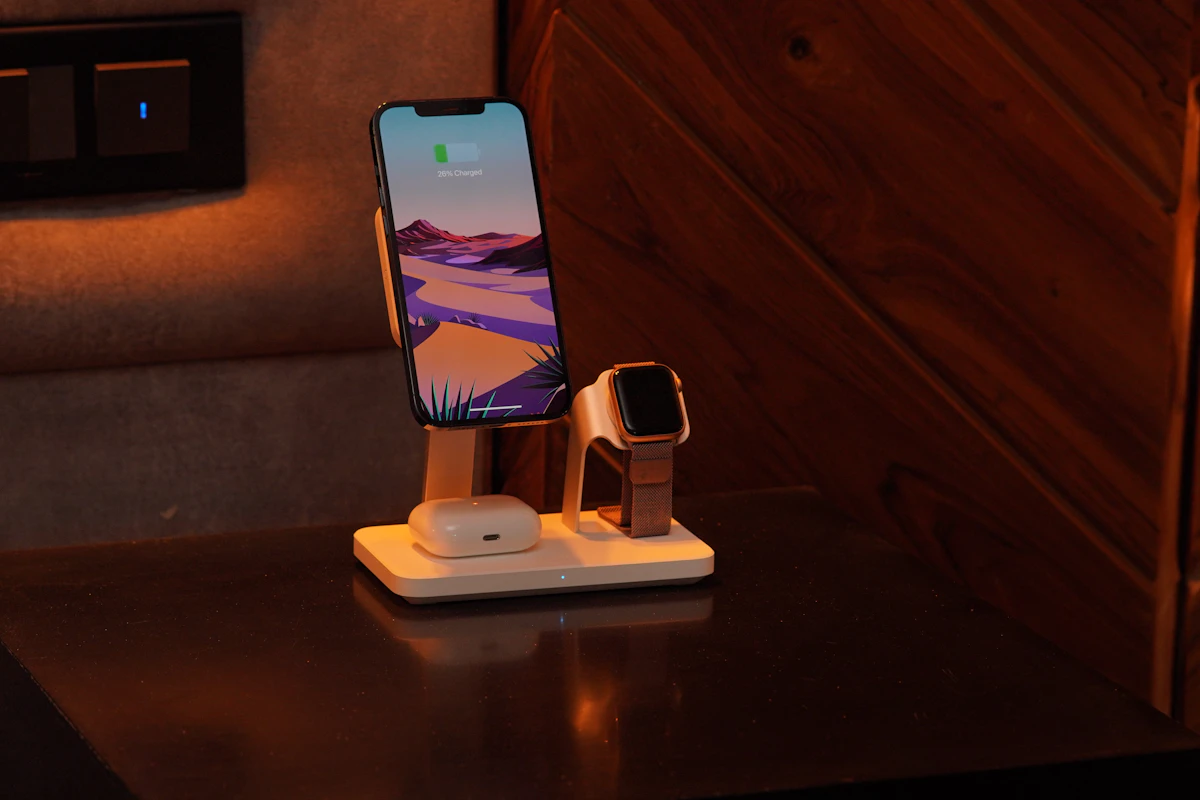
A combined station works best when its devices share a place and routine; verify every charging position independently before choosing a tidy-looking design.
In this guide
The bedside table has a phone cable, a watch puck, and an earbud case that never seems to be charged when you leave. A three-device stand promises to gather everything into one place. That can make the evening routine easier, but only if all three devices genuinely belong there and each position supports the equipment you own.
Our preference is a combined station for a stable set of devices that charge in the same location. Separate chargers are often more adaptable when a watch charges during a morning shower, earbuds live near a desk, and a phone travels between rooms. A tidy photograph does not reveal those differences.
Count devices, then map the routine
Write down where each device is when it needs power. Include the people who share the space. A station with one phone position may suit one person’s bedtime routine but be inconvenient for a couple whose phones run low together.
Think about charging duration and timing too. A watch worn overnight may need a short charging window in the morning. The earbud case may only need occasional charging. Grouping everything at the bedside can be helpful, but it can also move accessories away from the place where you naturally pick them up.
A simple exercise is to place the existing chargers in the proposed location for several days. If the routine works, a combined station may reduce visible cables. If devices keep migrating elsewhere, the problem is placement rather than the number of plugs.
Compare the main arrangements
| Arrangement | Strongest use case | Main compromise |
|---|---|---|
| Integrated phone/watch/earbud station | A fixed set of compatible devices in one place | One incompatible replacement device can reduce its usefulness |
| Stand that holds your existing charging pucks | Reusing supported chargers in a tidier arrangement | Cables and adapters may still need separate routing |
| Shared multiport adapter with individual chargers | Mixed devices and flexible placement | More visible cables |
| Folding travel station | Repeating the same charging routine away from home | Hinge design, packed size, and adapter requirements vary |
An integrated charger and a holder for separate chargers can look similar. Read the contents list carefully before comparing overall cost or convenience.
Verify each position independently
Start with the phone pad. Check supported devices, charging standard, case requirements, and orientation. A magnetic attachment claim does not establish the phone’s supported wireless rate. Certification information from the Wireless Power Consortium can help distinguish a certified product from a loosely worded compatibility statement.
Next, check the watch position against the exact watch family and required charging mode. Watches that look similar can use different charging arrangements. Apple’s own guidance shows that fast charging depends on the watch model and suitable accessories; a circular puck alone tells you little.
Finally, check the earbud case, not only the earbuds’ name. Some cases support wireless charging and others require a cable. If the station provides a small secondary pad, confirm its intended devices and positioning requirements. Do not assume it is a universal second phone charger.
A five-step selection process
- List exact devices and cases. Record the versions you own instead of searching only by broad product family.
- Choose the location. Measure available surface area, nearby shelves, and distance to the outlet.
- Check the complete power path. Confirm the required adapter and cable, what is included, and whether all positions work together at their stated capability.
- Assess daily handling. Consider one-handed removal, watch-band clearance, phone angle, and indicator lights.
- Plan for replacement. Decide whether an integrated unit or a holder with replaceable charging parts better suits your upgrade habits.
A station’s total input requirement is not automatically the output delivered to its phone position. If the supplied adapter is optional, include a suitable one in the arrangement. Our USB-C charger guide explains why multiport power figures need careful reading.
Small design details can decide the outcome
A watch band may need to open flat or hang around the support. A rigid bracelet may behave differently from a flexible strap. Check clearance rather than assuming every band fits the photograph’s position.
A phone stand can be helpful for glancing at a clock, yet its angle may place the screen too high or too low from bed. A flat pad can be less visually intrusive but easier to misalign in a dark room. Bright status lights are another detail worth investigating before using the station beside a pillow.
For a folding travel model, count the adapter and cable as part of the packed kit. Folding the charging surfaces does not necessarily make the whole arrangement lighter or smaller than the chargers you already own. Our wireless charging comparison explores placement and case compatibility in more detail.
Repairability and shared dependence
When separate chargers are used, one failure or device change may leave the others unaffected. An integrated station concentrates the routine into one accessory and power source. That can be convenient, but it makes supported replacement parts, documentation, and service options worth checking.
A stationary charging stand also differs from a magnetic power bank. The bank stores energy for use elsewhere; the station generally depends on its outlet. Avoid treating a stand’s neat appearance as a portable backup feature.
Who should skip a combined station?
Skip it if the devices charge in different rooms or the station supports only part of your current equipment. It is also unnecessary when existing chargers already sit neatly and are easy to use.
For a household with several device ecosystems, a shared adapter and separate supported cables may stay useful longer. Buy the combined format to improve a real routine, not to fill every position on a stand.
Frequently asked questions
Does “three-in-one” mean any three devices?
No. Each charging position has its own supported devices and capabilities. Check them separately.
Does a station always include its wall adapter?
No. Contents and required input vary. Confirm both before comparing setups.
Can a watch use the phone’s charging pad?
Only if the manufacturer explicitly supports that arrangement. Similar magnetic attachment does not establish compatibility.
Sources and scope
Official references checked 2026-10-21: Wireless Power Consortium certification information and Apple’s watch charge-speed guidance. Routine and layout recommendations are editorial judgments, not measured charging-speed or compatibility tests of individual stations.
Keep exploring

Car USB Chargers: Build a Charging Setup That Fits the Journey
Compare built-in vehicle ports, socket chargers, and passenger charging layouts by power, infotainment compatibility, cable routing, and everyday convenience.
Read the guide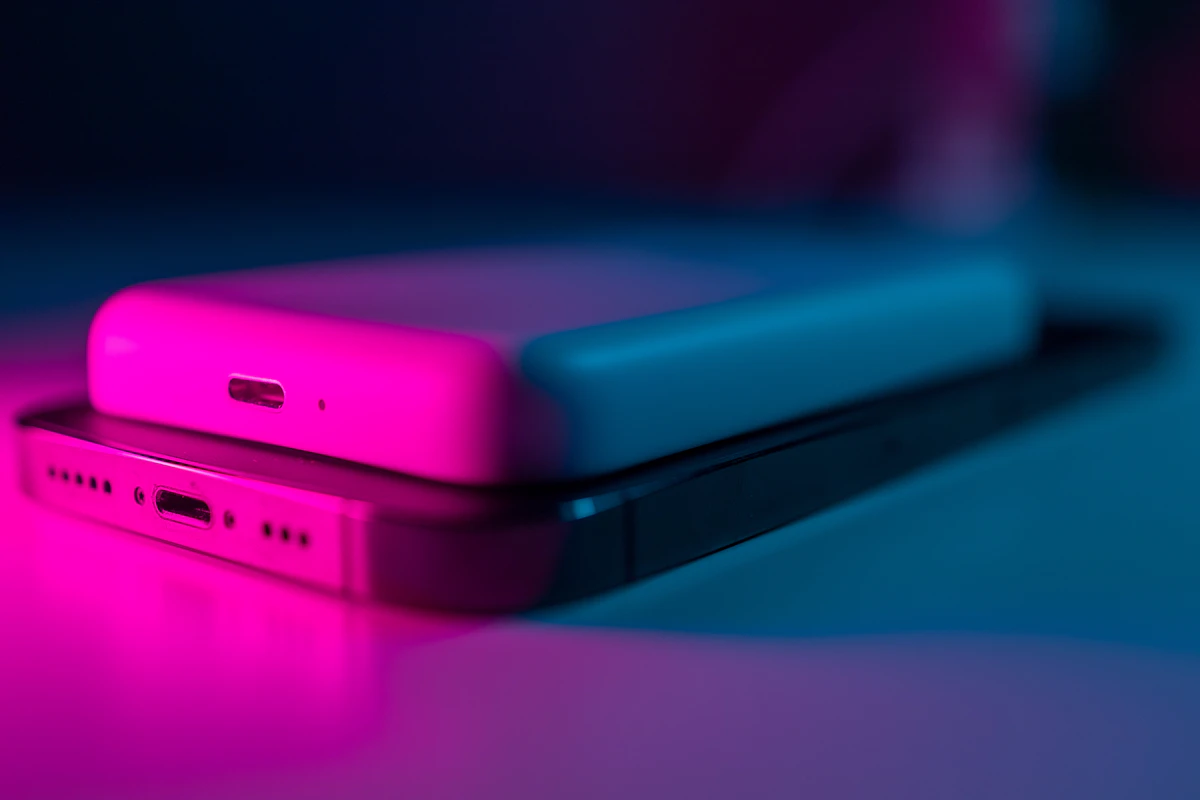
Magnetic Power Banks: When the Snap-On Convenience Is Worth It
Assess magnetic power banks by phone and case compatibility, physical fit, usable energy, wired options, and the realities of carrying a thicker phone.
Read the guide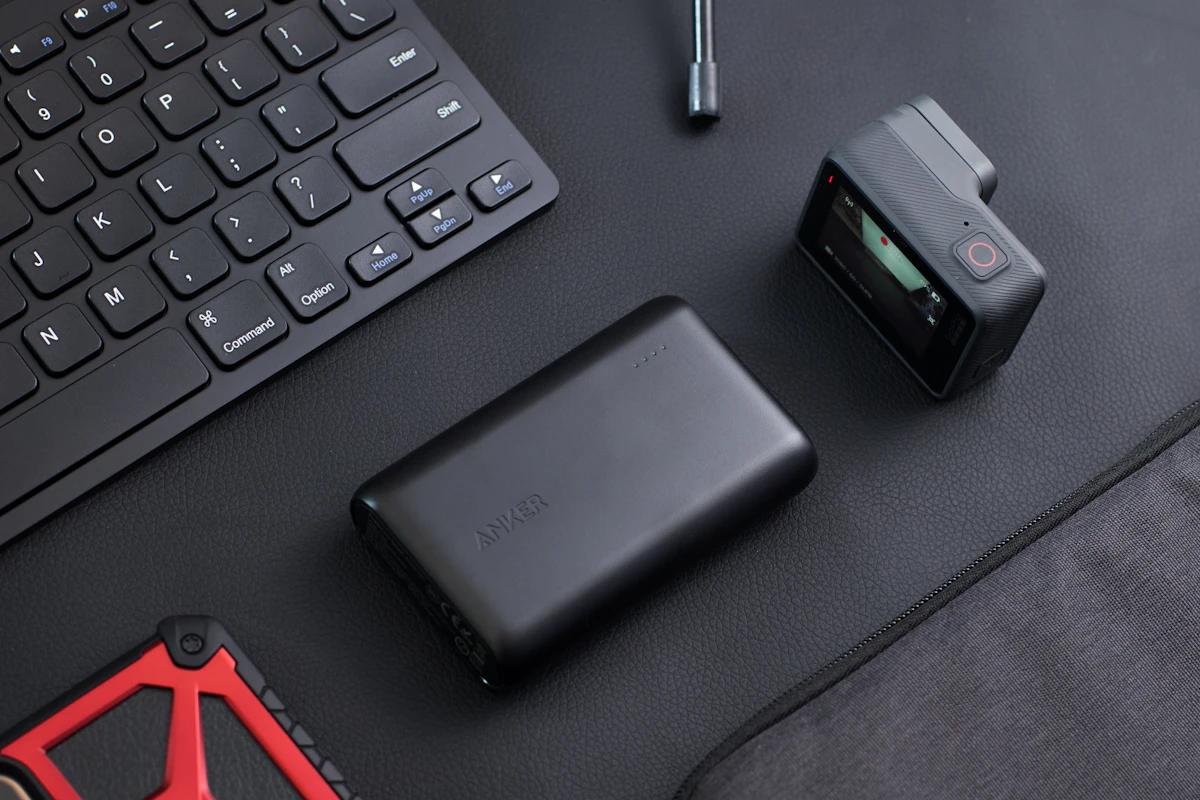
Power Banks Compared: Pocket Backup or Laptop Companion?
Compare portable battery sizes, usable energy, input and output power, and the practical tradeoffs of charging phones and laptops away from outlets.
Read the guide