Wired vs. Wireless Headphones: Choose the Connection for the Task
Compare headphone connections for meetings, travel, recording, gaming, charging, and device switching without assuming that wireless or wired always sounds better.
This guide draws on published documentation and practical use cases, not hands-on testing. It contains no paid product placements or affiliate shopping links. How we work · Affiliate Disclosure
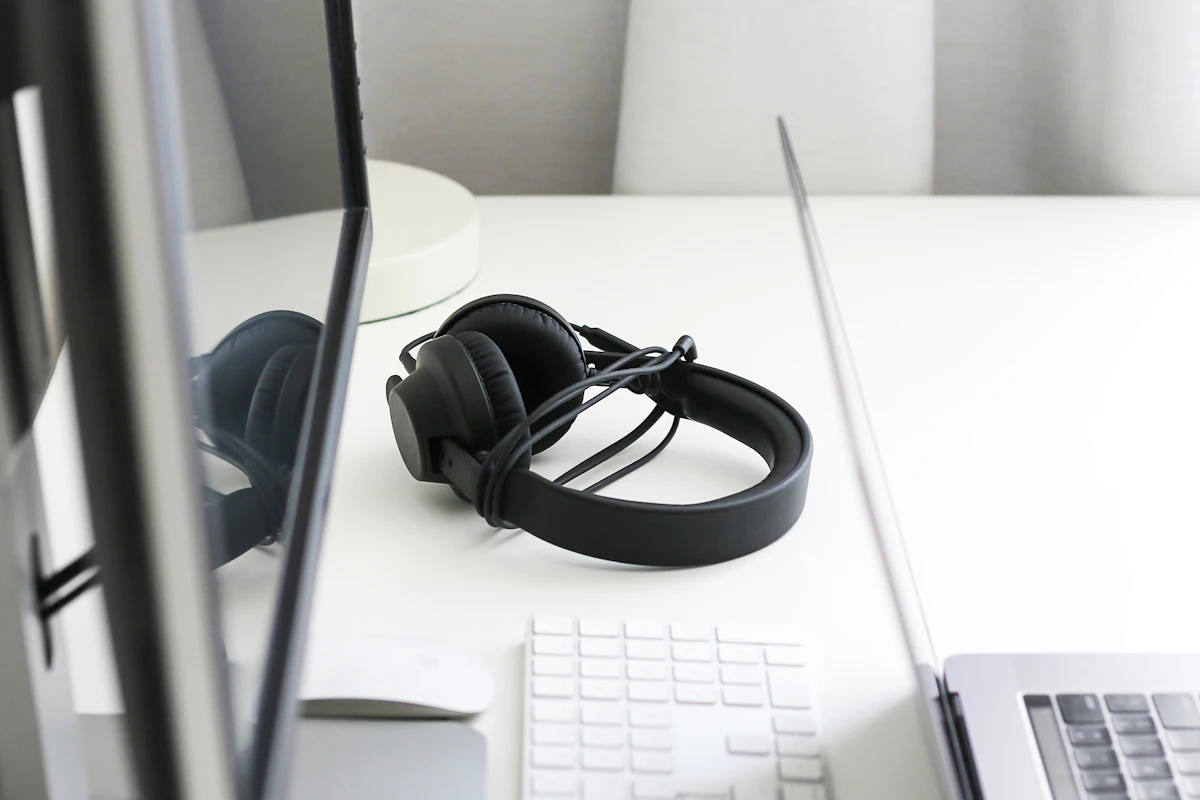
Wireless is convenient when movement matters; a documented wired path is often simpler for fixed desk work and monitoring. Check microphone and connection behavior separately.
In this guide
- “Wired” and “wireless” each contain different options
- Compare the connection to the task
- Calls change what the connection must carry
- Latency matters differently across activities
- Four checks before choosing the connection
- Charging, repair, and desk clutter
- Who should skip changing formats?
- Frequently asked questions
- Sources and scope
A wireless headset lets you stand up during a long meeting without catching a cable on the chair. Later, while recording a short voiceover, you notice that hearing your own voice through the computer feels delayed. The same headphones can be convenient for one task and awkward for another because the connection is part of the experience.
Our assessment favors wireless for frequent movement and pocketable everyday listening, while a suitable wired connection is a practical starting point for fixed workstations and recording monitoring. Neither connection is a universal sound-quality ranking. Fit, acoustic design, microphone performance, source equipment, and software remain important.
“Wired” and “wireless” each contain different options
An analog headphone plug, a digital USB headset, and a wireless headset with an optional cable do not necessarily behave alike. Analog headphones depend on the connected device or adapter’s audio output. USB audio includes a digital connection and conversion in the headset or adapter. Some wireless headphones accept audio over USB; others use that socket only for charging.
Wireless also includes more than ordinary Bluetooth pairing. Some headsets use a dedicated receiver with particular computer or console compatibility. A receiver-based system should be evaluated on its own documented behavior rather than assumed to match Bluetooth performance.
Before comparing formats, write down the actual devices you will connect: phone, work laptop, desktop, console, or audio interface. The correct connector and supported audio functions matter more than an abstract preference for cables or radio.
Compare the connection to the task
| Task | Useful starting point | Main compromise |
|---|---|---|
| Moving around during calls | Compatible wireless headset | Battery management and reconnection behavior |
| Long sessions at one desk | Wired USB or analog setup suited to the computer | Cable placement and limited reach |
| Monitoring a voice recording | Wired headphones connected to an appropriate monitoring output | Less freedom to move around |
| Travel listening | Compact wireless or simple wired pair | Charging versus cable and adapter management |
| Switching between several devices | A system with documented switching support | Paired-device memory is not the same as simultaneous connection |
The table expresses workflow preferences, not measured latency or audio rankings. A particular wireless system can outperform another in a specific task; its implementation needs to be checked.
Calls change what the connection must carry
Music playback sends audio toward your ears. A call also needs to send microphone audio in the other direction. On some Bluetooth configurations, activating the headset microphone changes the audio mode and reduces playback quality. Apple’s Mac support documentation describes this behavior for affected Bluetooth headphone connections.
That does not establish identical behavior for every current device or audio standard. It does mean you should check the exact computer, headset, and calling application together rather than evaluating only music playback.
A separate microphone can provide another arrangement, but it adds device selection and room-placement considerations. Our USB-versus-XLR microphone guide explains when a simple USB input is enough and when an interface becomes useful.
Latency matters differently across activities
A small delay may be unimportant while listening to a podcast. It can become more noticeable when monitoring your own speech, playing an instrument, or responding to interactive audio. A video application may compensate for delay differently from a game or recording program.
A cable avoids the wireless transmission stage, but it does not remove every source of latency. Software processing and digital audio paths can still add delay. For recording, direct monitoring through a suitable microphone or interface can send the input to headphones without the full software round trip.
Focusrite’s documentation explains that direct monitoring and software monitoring can produce two versions of the same signal if both are enabled. That is a configuration issue, not proof that the headphones themselves are unsuitable. Check the monitoring path before replacing them.
Four checks before choosing the connection
- List required functions. Separate listening, microphone use, mute controls, and any recording monitoring needs.
- Confirm the actual path. Check connector type, adapter requirements, supported USB audio, and receiver compatibility.
- Check day-to-day switching. Determine how the device moves between phone and computer, including any multipoint limitations.
- Plan for a full session. Compare usable battery time under your settings or a comfortable cable route that reaches without tension.
For wired headsets, verify microphone and button support as well as playback. An adapter that passes sound may not support every control or microphone arrangement. Apple’s wired-headphone guidance illustrates how connectors and supported functions vary between devices.
Charging, repair, and desk clutter
Wireless headphones add a battery routine. Consider whether charging fits naturally between uses and whether the headset can operate while connected to power. A charging port alone does not answer that question. A multi-device charging station may help organize compatible accessories, but it does not make every headset charge wirelessly.
Wired headphones avoid charging when they are passive, but cables can wear or snag. A replaceable cable is useful only when a compatible replacement is available. For active headphones used with a wire, check whether noise cancellation or even basic playback still depends on battery power.
Connection choice should not override wearing comfort. Our earbuds-versus-headphones comparison considers the physical formats independently of how they connect.
Who should skip changing formats?
Keep a reliable pair that fits your tasks. Do not switch to wireless solely because a phone lacks a headphone jack if a suitable adapter works comfortably. Conversely, do not give up useful movement simply because a wired connection looks more traditional.
Skip an additional headset if the actual problem is incorrect input selection, a poor microphone position, or an incompatible adapter. Diagnose the connection first and buy for a specific unresolved need.
Frequently asked questions
Does a USB charging socket guarantee wired audio?
No. USB audio must be explicitly supported by the headphones and the intended host.
Are all wireless headsets delayed by the same amount?
No. The radio system, devices, software, and operating mode affect the result. Avoid judging by the Bluetooth version number alone.
Can wired headphones work without charging?
Passive models can, when connected to a suitable source. Active designs may still need power for some or all functions.
Sources and scope
Official references checked 2026-10-21: Apple’s wired-headphone compatibility guide, Apple’s Bluetooth microphone-mode explanation, and Focusrite’s direct-monitoring guidance. Connection recommendations are editorial judgments, not measured latency, listening, or microphone test results.
Keep exploring
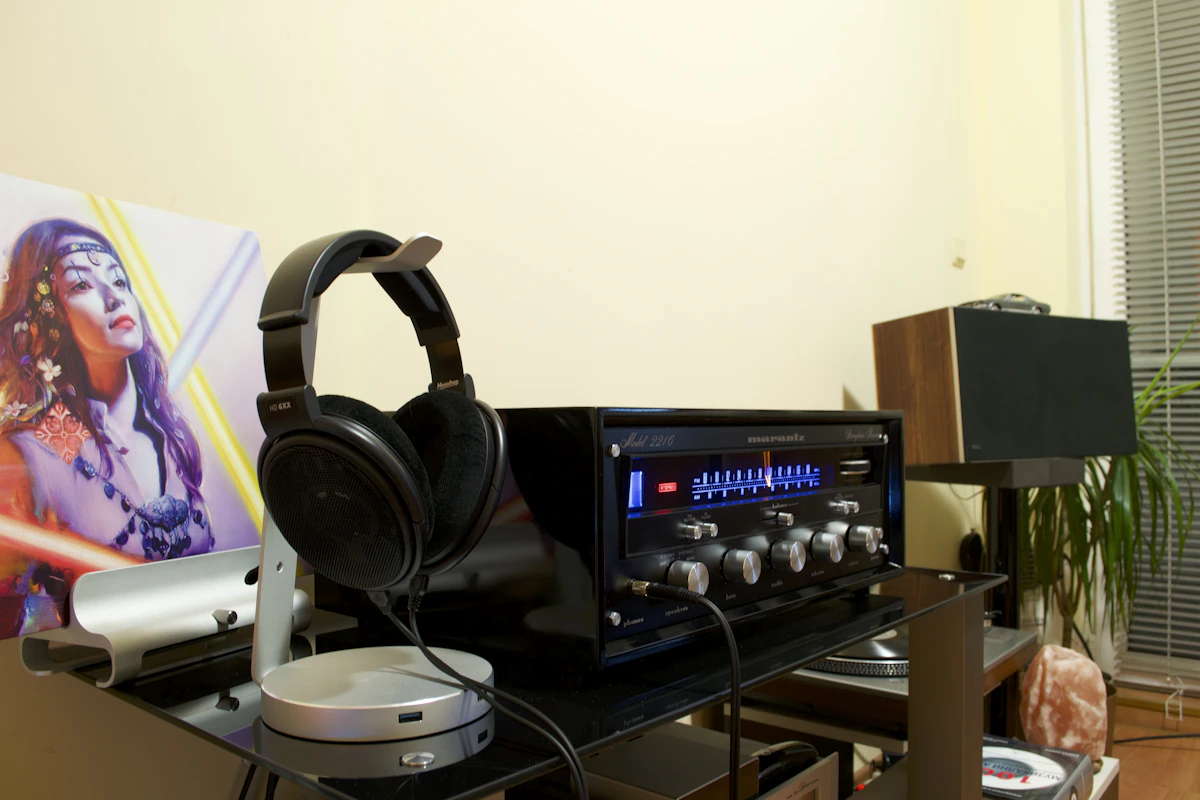
Bluetooth Audio Adapters: Get the Direction Right
Understand transmitters, receivers, audio inputs, microphone support and pairing before adding Bluetooth to older audio equipment.
Read the guide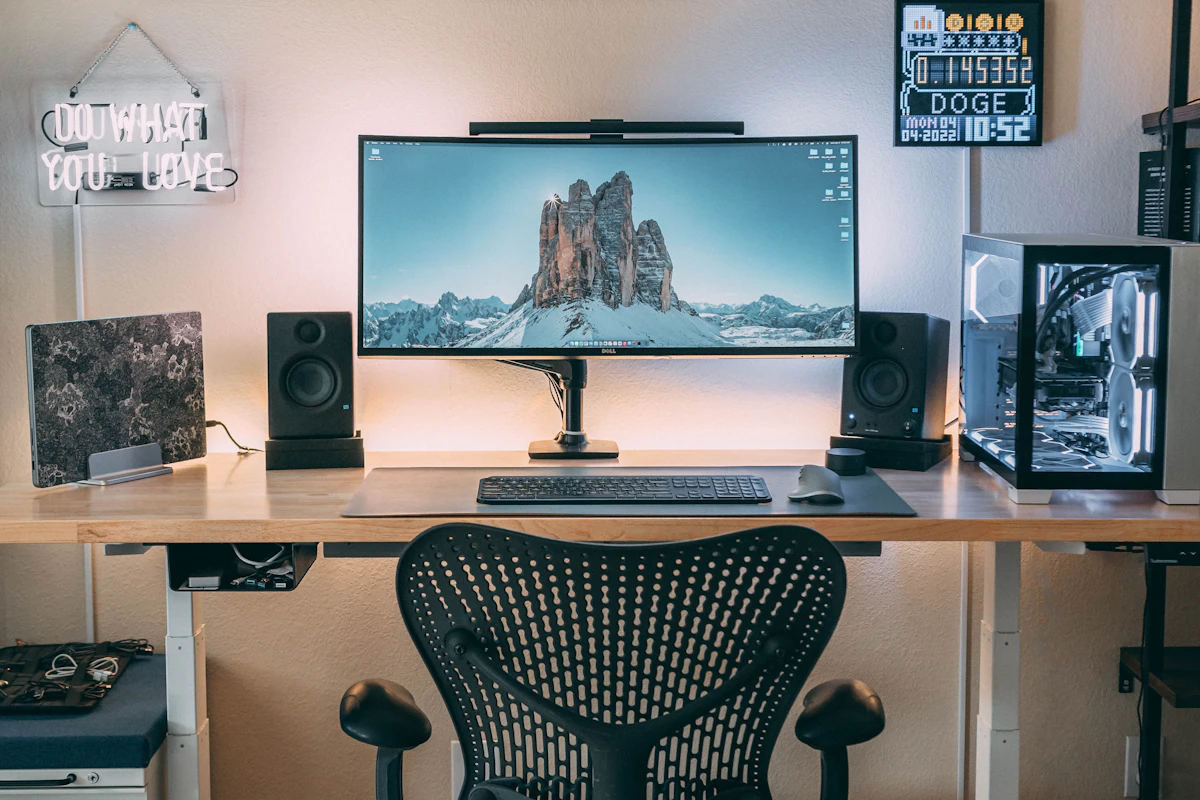
Computer Speakers vs Soundbars: Audio That Fits Your Desk
Compare separate desktop speakers and compact soundbars by placement, connections, controls and the way you actually use your desk.
Read the guide
Earbuds vs. Over-Ear Headphones: Choose for the Hours You Actually Listen
Compare earbuds and over-ear headphones for commuting, desk calls, travel, comfort, portability, and the fit details that change everyday listening.
Read the guide