USB vs. XLR Microphones: Decide How Much Recording Setup You Need
Compare USB and XLR microphone setups for calls, voiceovers, interviews, and recording, including interfaces, monitoring, gain, software, and total desk space.
This guide draws on published documentation and practical use cases, not hands-on testing. It contains no paid product placements or affiliate shopping links. How we work · Affiliate Disclosure
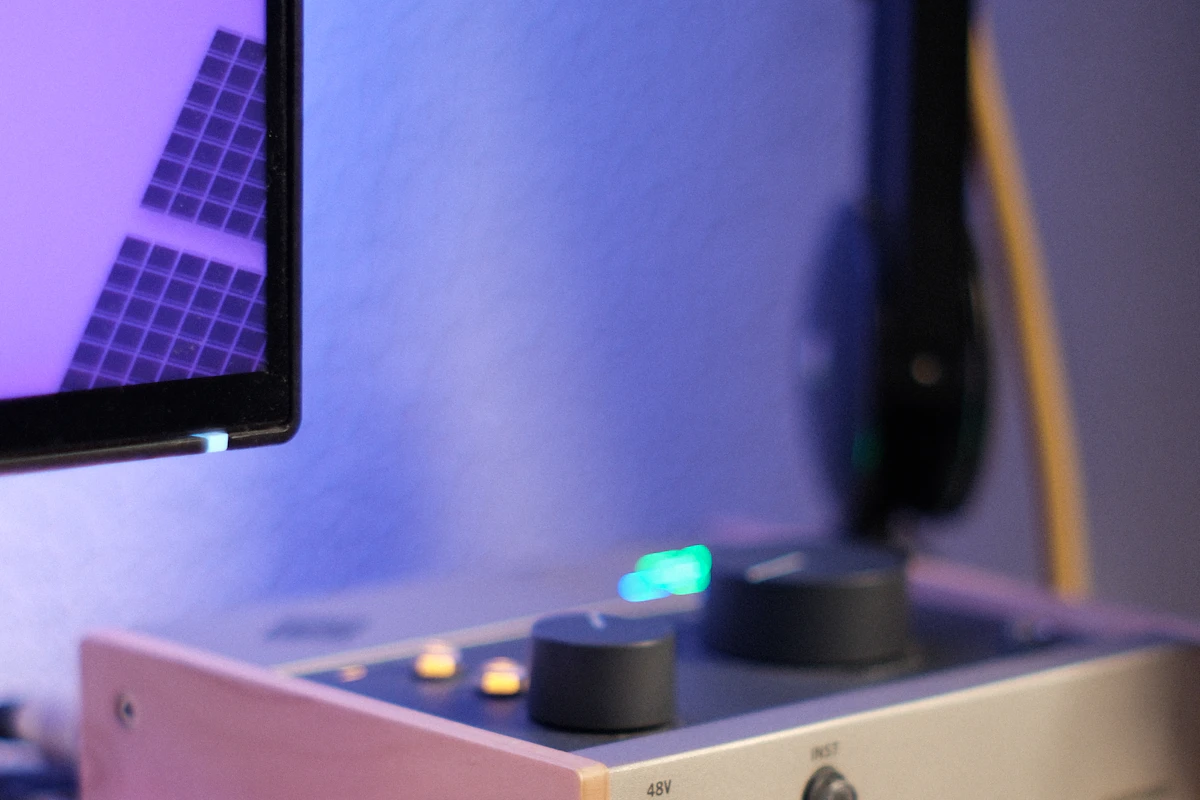
USB is a practical starting point for one voice and one computer; XLR becomes useful when separate components or several inputs serve a clear recording need.
In this guide
- What changes in the signal path?
- Compare the practical setups
- Choose the recording task before the hardware
- Five steps before choosing a microphone system
- Gain and phantom power are requirements, not prestige features
- Monitor the path you intend to record
- Who should skip an XLR setup?
- Frequently asked questions
- Sources and scope
You want your voice to sound clearer in meetings and occasional narration. A USB microphone can connect directly to the laptop. An XLR microphone brings an interface, another cable, gain controls, and the possibility of expanding the setup later. The more complicated route looks professional, but its extra parts need a purpose.
Our assessment favors USB for a single-person computer setup when straightforward connection and compactness are priorities. XLR is useful when you need several inputs, want to choose the microphone and interface separately, or already work with compatible audio equipment. The connector alone does not establish better sound.
What changes in the signal path?
A conventional USB microphone includes the electronics needed to send digital audio to a supported computer. Some also provide a headphone output, onboard processing, mute control, or software configuration. Those features vary; they are not guaranteed by the USB connector.
A conventional analog XLR microphone connects to a suitable microphone input on an interface, mixer, or recorder. In a computer recording setup, the interface supplies the required preamplification and digital conversion. Shure’s home-recording guidance explains these distinct arrangements.
An XLR-to-USB device therefore needs appropriate active electronics; changing the connector shape with a passive adapter is not the same job. Compact interfaces can make the setup smaller, but their input gain, monitoring, power, and host support still need to match the microphone and task.
Compare the practical setups
| Recording situation | Sensible starting arrangement | Main compromise |
|---|---|---|
| One person on calls and occasional voiceovers | USB microphone with useful local controls | Future expansion depends on the design and software |
| Two people recorded on separate tracks | Interface with suitable independent microphone inputs | More hardware, cables, and setup decisions |
| Existing XLR microphone and headphones | Compatible interface | Need to verify gain, power, and monitoring |
| Frequent travel between computers | Compact USB setup | Stand and room placement still affect results |
| Shared use with a mixer or recorder | XLR or a documented hybrid microphone | USB-only features may not operate over XLR |
A hybrid microphone can provide both connections, but read how the outputs behave. Processing available through USB may not be present on the analog output. Do not assume identical results from two different signal paths.
Choose the recording task before the hardware
For meetings, convenient mute status and stable application support may matter more than numerous recording controls. For narration, a repeatable position and comfortable headphone monitoring become more useful. For an interview, separate inputs and track handling may matter more than compact size.
Two USB microphones are not automatically a simple substitute for a two-input interface. Whether they work together depends on the operating system, recording application, and synchronization arrangement. If multi-person recording is a regular requirement, evaluate a setup explicitly intended to handle the necessary simultaneous inputs.
Include a suitable stand or arm in the space and cost calculation; microphone placement matters more than unused electronic features.
Five steps before choosing a microphone system
- Define sources and software. Count simultaneous voices or instruments and confirm what the calling or recording application accepts.
- Plan microphone placement. Identify a practical position near the intended sound source, away from unnecessary desk noise, while preserving comfortable screen access.
- Check the signal chain. For XLR, confirm suitable microphone gain, input type, and any required power. For USB, check host and software support.
- Choose monitoring. Decide whether you need a headphone output and direct monitoring, plus convenient control over voice and playback balance.
- Count the complete setup. Include stand, cable, interface, headphones, adapters, and any software required for essential functions.
If an interface is needed, its power and data connection become part of the desk arrangement. Our laptop docking-station guide helps assess the wider connection setup without assuming every USB socket provides identical behavior.
Gain and phantom power are requirements, not prestige features
Microphones differ in sensitivity, so the necessary gain depends on the microphone, source level, and placement. Focusrite’s guidance identifies those factors when explaining gain adjustment. Match available gain to the recording conditions.
Some microphones require phantom power; others do not. Check the microphone and interface instructions before enabling it. An XLR connection does not by itself mean phantom power is required or appropriate. The correct input type also matters: microphone, line, and instrument signals are not interchangeable simply because an adapter can connect them.
More gain will not remove a room’s reflections or turn a distant microphone into a close one. Change placement and reduce avoidable background noise before assuming another interface is the answer. Avoid interpreting USB versus XLR as a choice between ordinary and automatically studio-quality sound.
Monitor the path you intend to record
Direct monitoring routes the microphone input to a local headphone output without relying on the full software return path. That can make hearing your own voice more comfortable during recording. Software monitoring remains useful when you need to hear particular processing, but it introduces a different path and configuration.
Focusrite notes that hearing both direct and software monitoring can produce a doubled or delayed signal. Understand which is active before troubleshooting the microphone itself. Our wired-versus-wireless headphone guide explains why headphone connection also matters for monitoring.
The physical fit of the headphones remains separate. See earbuds versus over-ear headphones if long sessions are the main concern.
Who should skip an XLR setup?
Skip it when one well-positioned USB microphone already supports your calls and recordings reliably. An interface with unused inputs does not improve the room or make editing easier by itself.
Conversely, skip an isolated USB purchase if you already know you need a coordinated multi-input recording setup. Choose the complete workflow first so each component has a clear role.
Frequently asked questions
Does XLR always sound better than USB?
No. The microphone, placement, room, gain, conversion, and processing all contribute. The connector is not a quality score.
Does a USB microphone need an external interface?
Normally it already includes the necessary digital connection for supported hosts. Confirm the exact model’s requirements.
Is direct monitoring the same as the recorded result?
Not necessarily. The monitor path may omit software processing. Verify what you hear and what the application records.
Sources and scope
Official references checked 2026-10-21: Shure’s home-recording and podcasting guide, Focusrite’s gain guidance, Focusrite’s microphone-input and phantom-power guidance, and Focusrite’s direct-monitoring explanation. Recommendations are editorial judgments, not recorded audio comparisons or measured noise and latency results.
Keep exploring
Bluetooth Audio Adapters: Get the Direction Right
Understand transmitters, receivers, audio inputs, microphone support and pairing before adding Bluetooth to older audio equipment.
Read the guide
Computer Speakers vs Soundbars: Audio That Fits Your Desk
Compare separate desktop speakers and compact soundbars by placement, connections, controls and the way you actually use your desk.
Read the guide
Earbuds vs. Over-Ear Headphones: Choose for the Hours You Actually Listen
Compare earbuds and over-ear headphones for commuting, desk calls, travel, comfort, portability, and the fit details that change everyday listening.
Read the guide