Bluetooth Audio Adapters: Get the Direction Right
Understand transmitters, receivers, audio inputs, microphone support and pairing before adding Bluetooth to older audio equipment.
This guide draws on published documentation and practical use cases, not hands-on testing. It contains no paid product placements or affiliate shopping links. How we work · Affiliate Disclosure
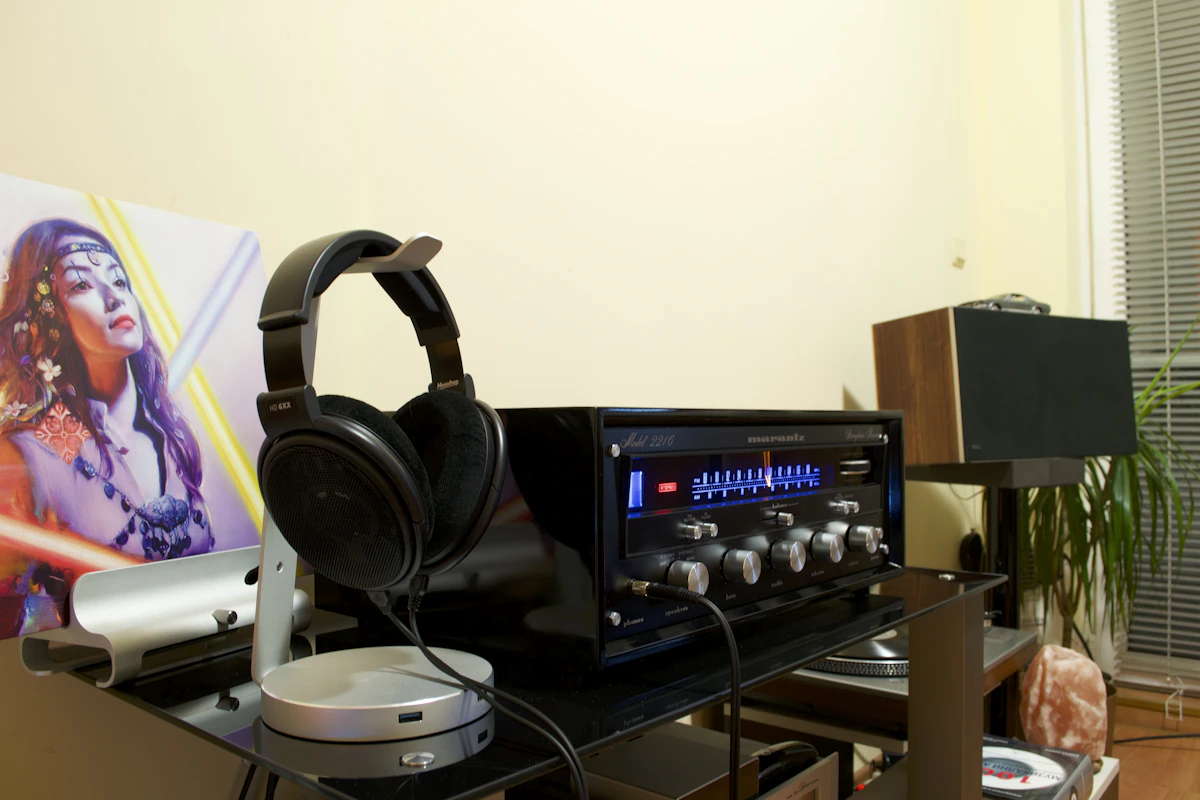
Draw an arrow from the sound source to the listener. That determines whether you need a Bluetooth transmitter, receiver or a different connection.
In this guide
An older amplifier still works beautifully, but your phone has no headphone socket. Across the room, a television has the opposite problem: it can play sound through its own speakers, but you want that sound in wireless headphones after the household goes to bed. Both situations invite a search for a Bluetooth adapter. They need different jobs from the adapter.
A receiver accepts a Bluetooth audio stream and supplies it to compatible wired equipment. A transmitter takes an audio source and sends it over Bluetooth to compatible headphones or speakers. Some adapters can switch roles. That does not mean they perform both roles simultaneously or support every feature in either mode.
Match the adapter to the job
| Intended connection | Likely adapter role | Wired side to verify | Common misunderstanding |
|---|---|---|---|
| Phone to an older powered speaker or amplifier | Receiver | Appropriate audio input on the speaker or amplifier | Buying a transmitter because the source is a phone |
| Television to wireless headphones | Transmitter | Supported audio output from the TV | Connecting to a TV input instead of an output |
| Computer to wireless headset | Compatible computer Bluetooth/audio solution | Operating system and USB audio support | Assuming a music transmitter carries the microphone back |
| Two listeners sharing one source | Transmitter with explicit dual-listener support | Source connection and supported headphone combinations | Assuming any Bluetooth device can stream to two listeners |
First draw the arrow: television → adapter → headphones, or phone → adapter → amplifier. Then label every socket on the wired section. This simple sketch rules out many superficially similar accessories.
Check the wired connection before the wireless features
Look for the word input or output beside the equipment’s socket and in its manual. A 3.5 mm input and a 3.5 mm output can look identical. An amplifier’s phono input is not a general substitute for a normal line input. Select the input specified for the adapter’s output rather than trying every socket that physically fits.
For an optical connection, verify the audio formats the adapter accepts and the TV setting needed to produce one. Do not assume it can decode every surround format available from a streaming app. Confirm whether the television can keep its speakers active at the same time if someone else will listen in the room.
USB is another source of confusion. On one adapter, it powers the electronics; on another, it also presents an audio device to a computer. A TV’s USB port does not automatically become an audio output. If the manual shows a separate optical or analog cable, include that cable in your setup plan.
Our computer speaker and soundbar comparison covers the same input checks from the listening end of the connection.
Treat compatibility as a shared agreement
Bluetooth features depend on what both ends implement. A newer core version alone does not promise a particular audio profile, codec, microphone path or sharing feature. A feature advertised on the transmitter has little value when the headphones do not support the corresponding mode.
For calls, look for explicit two-way audio support with your operating system and headset. Music playback and microphone transmission are separate requirements. A television transmitter designed to feed headphones is not automatically a replacement for the computer adapter needed by a meeting headset.
Codec labels also need context. Both devices must support the intended codec, and the actual connection may negotiate another option. An advertised low-delay mode is not a measured promise for your television, application and headphones together. If timing is critical, compare the simpler alternatives in our wired versus wireless headphone guide.
Make a short setup and acceptance plan
Before choosing an adapter, answer four practical questions. Where will its power come from? Can you reach the pairing button? Is the active mode visible? Will it remain powered when the television or amplifier turns off?
For a battery-powered unit, check whether the documented operating modes allow use while charging. For a permanently installed unit, decide whether you want it to restart with the source or remain available independently. Either arrangement can work; surprise reconnection behavior is the nuisance to avoid.
Once connected, use ordinary material you know. Check spoken dialogue against lip movement, pause and resume playback, and turn the source off and on. Walk only through the rooms where you intend to listen. These are acceptance checks for your environment, not benchmarks from which to claim universal range or latency.
Keep other paired devices in mind. Headphones that reconnect to a nearby phone can make a perfectly compatible adapter appear broken. Follow the documented pairing sequence and confirm the active source before changing settings repeatedly.
Who should skip an adapter?
Skip it if your source already supports the exact Bluetooth function you need and that connection works reliably. An extra box adds another power connection and pairing state without necessarily adding useful capability.
A wired route may be more suitable for music recording, editing with live monitoring, or a desk where the cable is unobtrusive. If your goal is portable room playback rather than preserving an existing wired system, a portable Bluetooth speaker may make the whole setup easier to carry.
FAQ
Can a transmitter also receive music from my phone?
Only if receiving is an explicitly supported mode. Check how modes are selected and whether saved pairings behave differently in each one.
Will the headphone microphone work through it?
Do not assume so. The adapter, headset, connection profile and host application must support the required two-way path.
Can an adapter fix all television lip-sync problems?
No. Delay can arise across the source, TV processing and wireless path. Check any supported synchronization settings, but retain a wired alternative if the complete setup does not meet your needs.
Sources and scope
References checked 2026-10-21. The workflow recommendations are editorial judgments; we have not measured adapter latency, range or audio quality.
- Avantree: general Bluetooth information explains transmitter and receiver roles.
- Bluetooth SIG: communicating supported functionality distinguishes supported features and profiles from the Bluetooth core version.
Keep exploring
Computer Speakers vs Soundbars: Audio That Fits Your Desk
Compare separate desktop speakers and compact soundbars by placement, connections, controls and the way you actually use your desk.
Read the guide
Earbuds vs. Over-Ear Headphones: Choose for the Hours You Actually Listen
Compare earbuds and over-ear headphones for commuting, desk calls, travel, comfort, portability, and the fit details that change everyday listening.
Read the guide
Open-Ear vs. In-Ear Earbuds: Awareness or Isolation?
Compare open-ear and sealed in-ear earbuds for home listening, commuting, shared spaces, glasses, calls, and the tradeoff between awareness and isolation.
Read the guide