Mesh Wi-Fi or One Better-Placed Router? A Room-by-Room Comparison
Understand when mesh Wi-Fi helps, how node placement and backhaul affect results, and when a wired connection or router move is the better first step.
This guide draws on published documentation and practical use cases, not hands-on testing. It contains no paid product placements or affiliate shopping links. How we work · Affiliate Disclosure
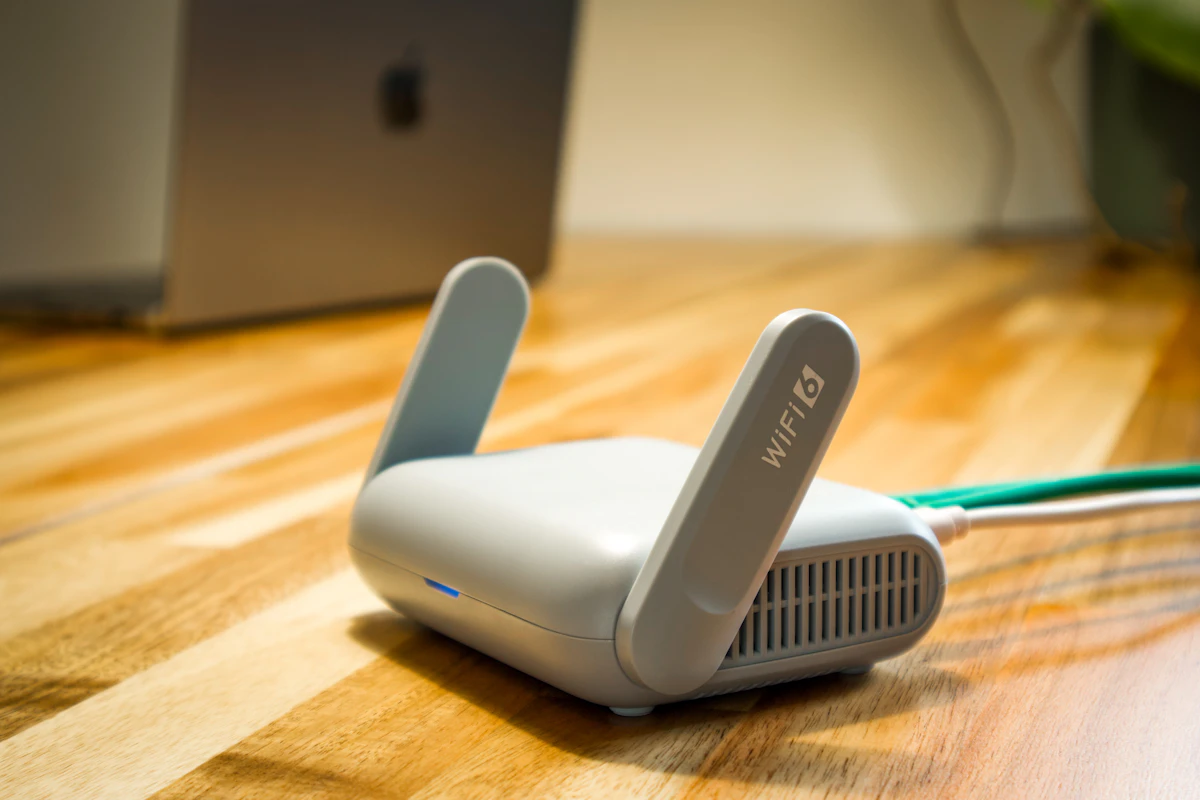
Mesh is a coverage tool. Check the link between its nodes and identify the weak rooms before adding more hardware.
In this guide
The internet works well beside the router, but a call becomes unreliable in the upstairs bedroom. It is tempting to buy the largest mesh bundle and place a node in every difficult room. That can miss an essential detail: a wireless node needs a useful connection back toward the rest of the network.
Mesh Wi-Fi is worth considering for a coverage problem that survives sensible placement changes. It is less likely to help when the same slowdown occurs everywhere, including through a wired connection. This comparison uses network-design guidance rather than measured coverage tests of particular systems.
Separate the internet connection from room coverage
The service entering the home and the Wi-Fi link inside the home are different parts of the path. A faster wireless connection cannot create internet capacity that the service does not provide. Likewise, a strong signal indicator does not prove that every part of the path is working well.
Compare the actual problem in several places. Use the same device and task near the router, then in the troublesome room. If possible, compare a supported wired connection too. Record whether the issue is slow downloads, interrupted calls, difficulty connecting, or a problem limited to one device.
This observation is more useful than a floor-area estimate alone. Walls, layout, the router’s location, and the places where people work all influence what the household needs.
| Approach | A sensible situation | Main compromise | What to establish |
|---|---|---|---|
| Reposition the existing router | Coverage is uneven but the home is modest | Cable and outlet locations may limit movement | Whether a more open location helps |
| Add a compatible mesh node | A particular area lacks useful coverage | Node placement and wireless backhaul matter | A good connection toward the main router |
| Use wired backhaul | Ethernet already reaches useful locations | Requires supported ports and topology | Compatibility of every node |
| Wire one important device | A fixed work desk has frequent interruptions | Cable routing is needed | Whether the wired path resolves the issue |
A node belongs where it can communicate
Google’s mesh guidance recommends placing a point between the weak area and the nearest connected point, rather than simply putting it in the worst dead spot. It also advises open placement and checking the mesh connection itself.
That distinction explains a common disappointment. A laptop can show a strong link to the nearby node while the node’s connection to the rest of the network remains poor. Improving the first link does not automatically improve the second.
Think of node placement as a sequence of useful connections. Avoid hiding equipment behind large furniture merely to keep it out of view. Use the system’s own mesh diagnostics where available, then check the real task from the room that matters.
Understand backhaul before comparing radio labels
Backhaul is the connection carrying traffic between a satellite point and the rest of the network. It may be wireless or wired, depending on the system and configuration. Ethernet can provide a wired path when the equipment supports it, but not every device sold as a mesh point has Ethernet ports.
Check compatibility across generations too. A shared brand name does not prove that two systems can form one mesh. Google explicitly documents combinations that cannot be mixed, which illustrates why the compatibility list belongs early in the decision.
Marketing labels describing multiple bands or a high combined wireless rate do not directly state what one laptop will receive. The client device, chosen band, radio conditions, and network arrangement all matter. Compare the capabilities you can use, not just the largest number on the box.
Expand only around a specific need
Sketch the rooms where a reliable connection matters: perhaps the work desk, television area, and a bedroom used for study. Note available outlets and any Ethernet cabling. This makes it easier to evaluate a small, deliberate arrangement instead of distributing nodes at random.
Change one thing at a time. Move a node, run the relevant connection check, and repeat the same call or transfer. Keep notes about location and results. This is a household troubleshooting method, not a claim that a single speed-test result establishes the performance of the entire network.
For a fixed workstation, Ethernet versus Wi-Fi may reveal a simpler solution. If the laptop needs an adapter, our USB-C hub comparison covers the extra connection to verify.
Who should skip a mesh kit?
Skip the upgrade if the existing router already provides reliable coverage where you use it. Additional nodes introduce setup, power use, and management without necessarily improving the experience.
Also pause if every device is slow even beside the router. Investigate the service, modem, router configuration, or upstream problem first. Mesh cannot repair an outage or an overloaded internet connection simply by spreading the same connection to more rooms.
Frequently asked questions
Should a node go directly in the dead zone?
Usually the useful starting point is between the weak area and a well-connected point. Follow the system’s placement guidance and diagnostics.
Can I mix any two mesh systems?
No. Check the manufacturer’s exact compatibility information, including generations within the same brand.
Is wired backhaul the same as wiring my laptop?
No. Backhaul connects network points. Your laptop may still connect wirelessly to the nearby point, or it may have its own wired connection.
Sources
Google’s mesh-network explanation, mesh diagnostics and placement guidance, and wired-backhaul compatibility instructions. Sources checked October 21, 2026.
Keep exploring
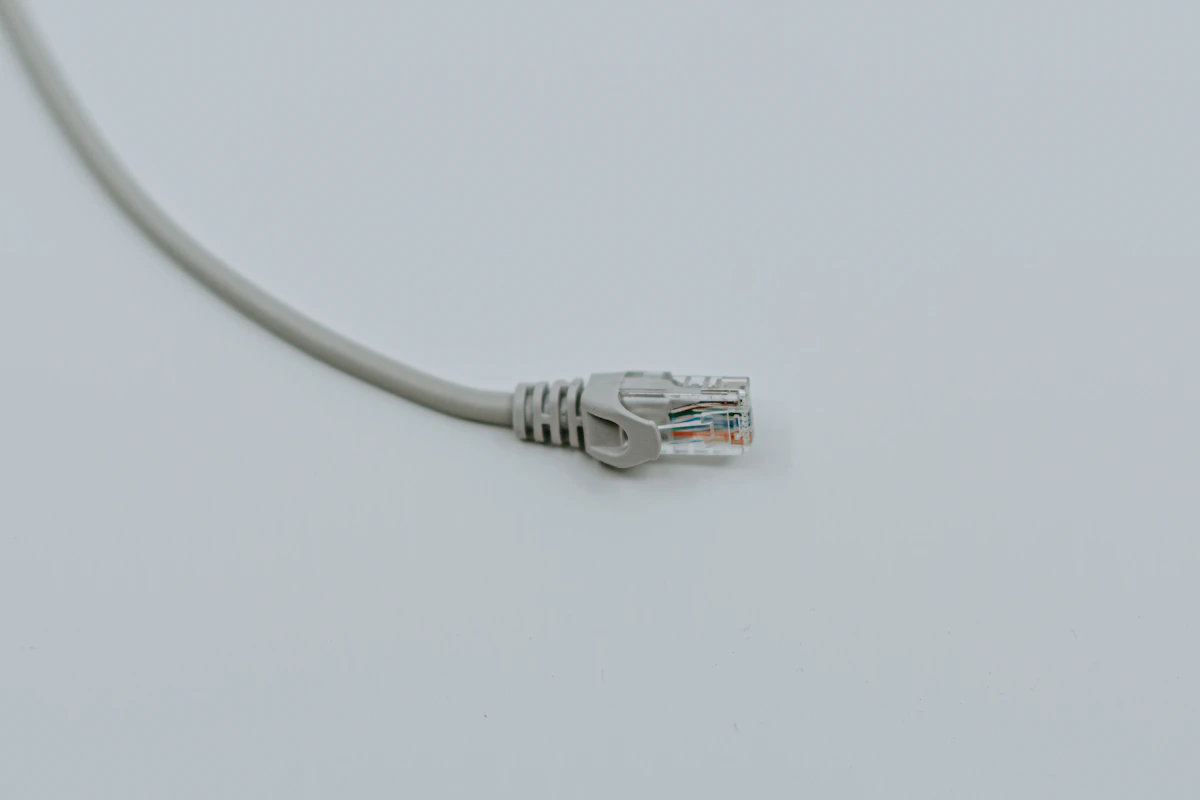
Ethernet vs. Wi-Fi for a Home Desk: When a Cable Helps
Compare wired and wireless home connections for calls, gaming, file transfers, and everyday work, with a practical way to identify the bottleneck.
Read the guide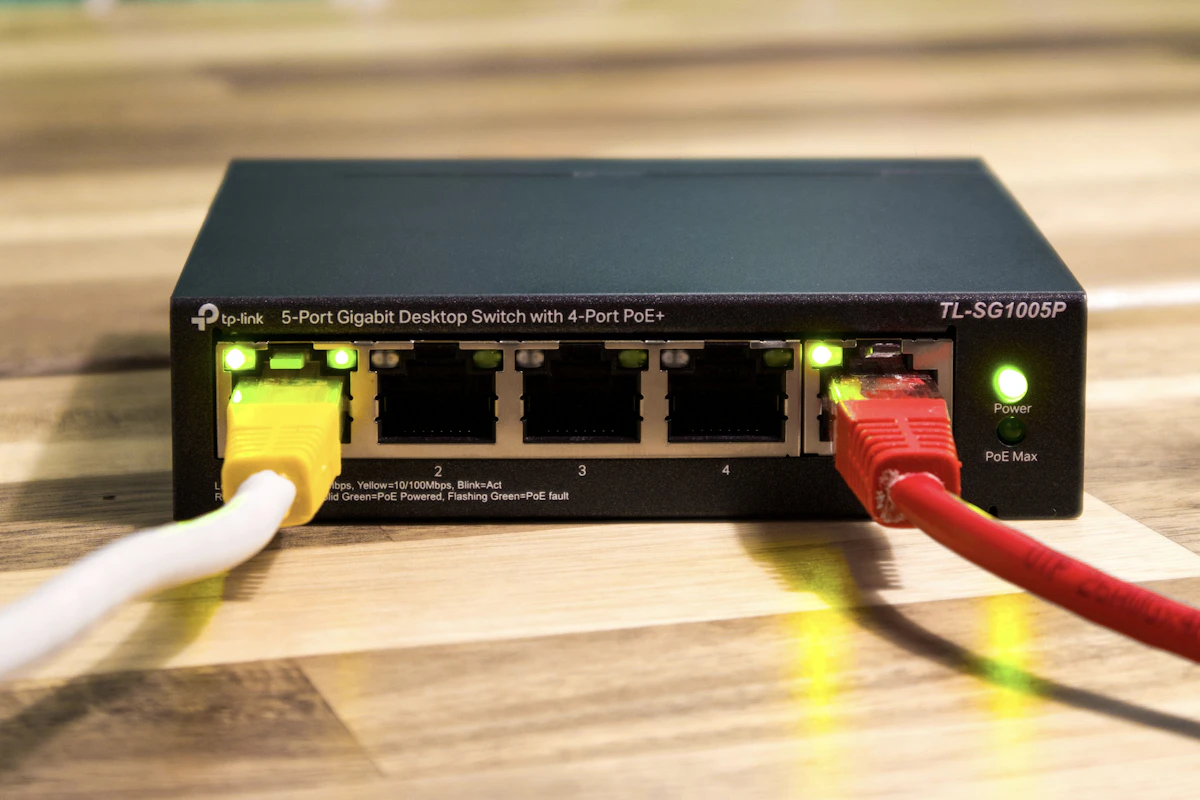
Network Switches: Add Wired Ports to a Home Office
Understand port counts, uplinks, unmanaged and managed switches, power needs and the difference between a switch and a router.
Read the guide
Portable SSDs Compared: Capacity, Connection, and Real Workflows
Understand portable SSD interface speeds, host and cable limits, file-system choices, and the difference between working storage and a backup.
Read the guide