Phone Grips and Stands: Match Your Pocket, Desk and Charger
Compare adhesive grips, removable magnetic supports and separate stands for holding, viewing and charging a phone throughout the day.
This guide draws on published documentation and practical use cases, not hands-on testing. It contains no paid product placements or affiliate shopping links. How we work · Affiliate Disclosure
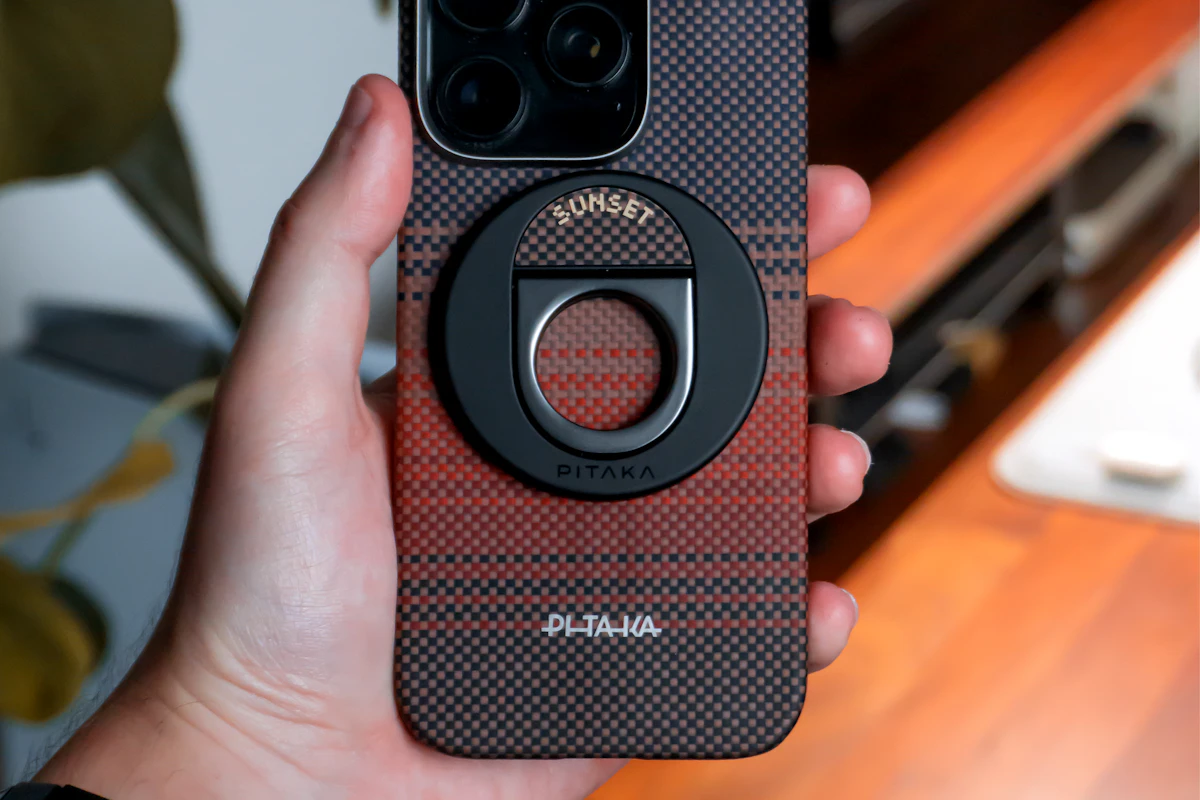
Choose around the whole daily routine. A useful grip should fit your hand and pocket without creating a new problem at the charger or desk.
In this guide
At lunchtime you read a recipe with the phone propped against a mug. On the commute you hold it in one hand while checking the next stop. At night it goes onto a wireless charger. One accessory may help with all three moments, but a grip that feels convenient in your hand can obstruct charging or make the phone rock on a desk.
Start by naming the main job: more comfortable holding, hands-free viewing, or a stable camera position. A grip, kickstand and tripod solve overlapping but different problems. The smallest accessory is not necessarily the one that requires the least adjustment throughout the day.
Compare the support types
| Type | Useful routine | Main tradeoff | Compatibility check |
|---|---|---|---|
| Adhesive grip or ring | Frequent handheld use with one consistent case | Attachment can be difficult to reposition or remove | Surface material and installation instructions |
| Removable magnetic grip | Switching between holding and supported charging | Must be removed and stored when the setup requires it | Exact phone, case and magnetic accessory support |
| Case with an integrated kickstand | Occasional viewing without a separate item | Stand location and angles are fixed by the case | Orientation, hinge clearance and charger fit |
| Separate folding stand | A regular desk or kitchen viewing position | Another item to carry or leave behind | Phone thickness, support lip and cable clearance |
Map the phone’s day
Write down where the phone spends its time: jacket pocket, narrow trouser pocket, car mount, work desk, kitchen counter and charger. Check the accessory in its folded form against those situations. A ring that catches on a pocket edge or blocks an existing mount can outweigh a useful viewing angle.
For handheld use, consider where your fingers naturally rest when holding the phone. A fixed attachment position that suits portrait reading may be less comfortable for landscape video. If you are uncertain about placement, avoid permanently attaching something before following the manufacturer’s positioning guidance.
For desk viewing, think about the direction of the screen and the way you interact with it. Watching a clip requires less stability than tapping through a recipe or joining a call. A stand should support the phone in the orientation you need, with enough clearance that the charging cable does not push it upward.
Treat the case as part of the system
Adhesive performance depends on the surface, not just the adhesive’s advertised strength. Silicone, strongly textured finishes and some soft materials can be unsuitable for particular grips. Check the accessory maker’s material restrictions and the case maker’s guidance. Do not assume a smooth-looking finish is compatible.
Follow the specified cleaning, placement and waiting instructions. Repeated repositioning may change adhesion, and removal can affect a finish. If you regularly swap cases, a permanently attached grip may create more work than a separate stand. Our phone case guide helps frame the tradeoff between texture, bulk and accessory compatibility.
Magnetic accessories also need a supported combination. A magnetic ring or attachment point is not a guarantee that every grip will hold equally on every case. Use the manufacturer’s stated compatibility and treat the attachment as a convenience, not an assurance that the phone cannot fall. A grip is not a substitute for a protective case or a purpose-designed restraint.
Check the charging routine explicitly
Do not reduce wireless charging compatibility to the question of whether the accessory contains metal. Thickness, alignment, design and the supported charger combination matter. Some grips need removal; some designs document specific charging arrangements. Follow the instructions for the exact grip, case and charger rather than generalizing from another accessory.
Imagine the nightly sequence. If the grip must come off, where will you put it? Can the phone sit correctly on the charging surface with any remaining base attached? Is the charging indication visible? Our wireless charging guide explains why alignment and a compatible setup deserve more attention than the convenience of simply placing the phone down.
Wired charging has its own physical requirements. A low stand may leave too little space beneath the port for the connector and a gentle cable bend. Moving the phone to landscape orientation may solve that problem, but only if the app and stand support it comfortably.
Choose for the surface, not just the phone
A kitchen stand needs a clear place away from spills and the edge of the counter. A tiny folding support may be convenient in a bag yet easier to disturb on a crowded table. Check the base footprint, hinge adjustment and any gripping pads without assuming weight alone predicts stability.
If the main purpose is filming, use the phone tripod guide instead of stretching a viewing stand into a camera support it was not designed to be. Camera clearance, attachment and repeatable framing matter more for that task than pocket convenience.
Who should skip a grip?
Skip a rear attachment if it interferes with a charger or mount you use constantly and handheld support is only an occasional need. A separate desk stand can leave the phone’s pocket shape unchanged. Also keep the current setup if a smaller case adjustment or built-in phone setting already solves the reach problem you noticed.
FAQ
Does a grip prevent drops?
No accessory should be treated as a guarantee. Grip comfort, attachment condition, movement and how the phone is held all affect the situation.
Will every magnetic grip work through my case?
No. Check the case and accessory compatibility together. A phone supporting magnetic charging does not establish every third-party attachment’s suitability.
Is a built-in stand always more convenient?
It is easier to remember, but you carry its bulk even when it is unused. A separate stand offers more choice of location and position.
Sources and scope
References checked 2026-10-21. These are editorial assessments of daily-use tradeoffs, not adhesion, drop or stability test results.
- PopSockets: adhesive surface compatibility describes limitations on silicone, textured and soft surfaces for its adhesive system.
- Apple: using a MagSafe Charger documents compatible charging arrangements and accessory placement considerations.
Keep exploring

Active vs Passive Styluses: Choose for Notes, Drawing or Simple Taps
Understand screen compatibility, palm rejection, pressure support and replacement tips before choosing a stylus for your tablet.
Read the guide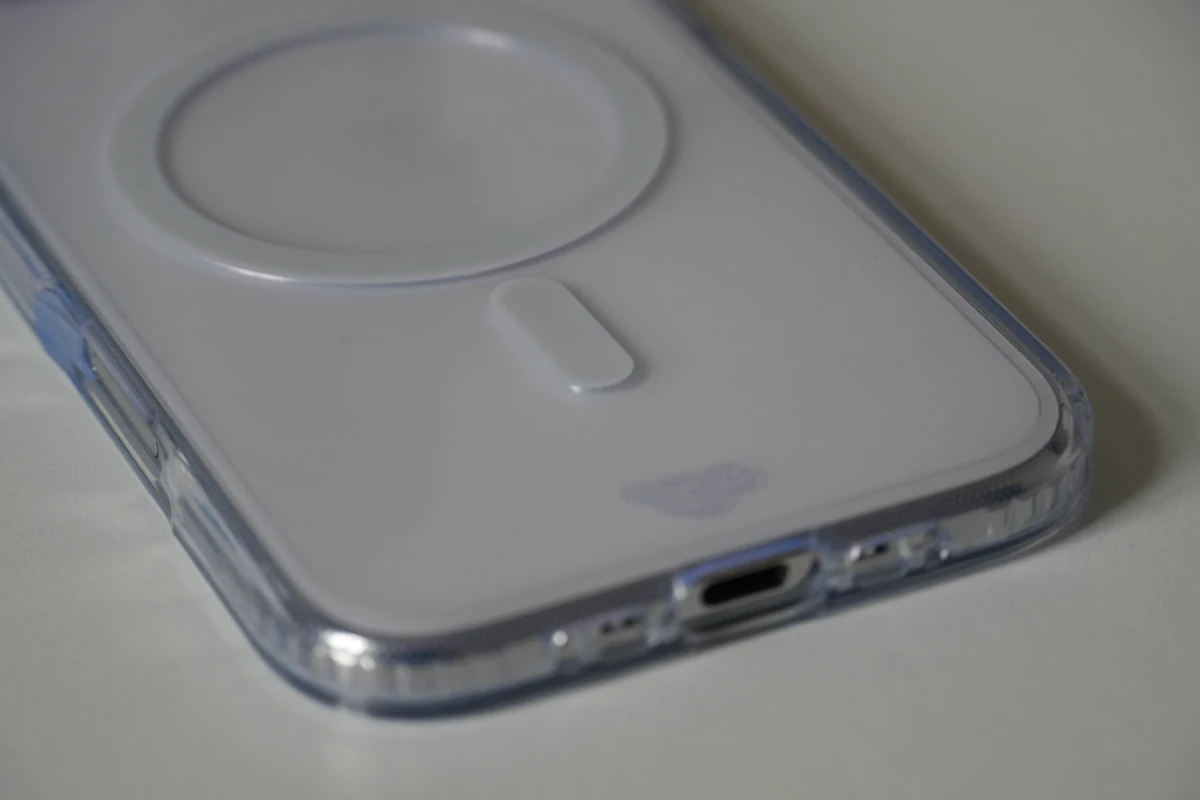
Slim, Rugged, or Wallet Phone Case: Comparing Daily Tradeoffs
Compare phone-case layouts by grip, pocket fit, control access, magnetic accessories, charging compatibility, and realistic protection expectations.
Read the guide
Phone Storage, Photo Sync and Backup: Know What Each One Does
Separate phone capacity, cloud photo libraries, device backups and independent file copies before clearing space or replacing a phone.
Read the guide